GPT Image 2 Generator
Storyboard, illustrate, or art-direct your story with OpenAI's latest image model. Quality control built in.
Sign in to generate — your prompt will be saved.
Three quality tiers
low / medium / high — iterate cheap, finalize sharp.
Up to 16 references
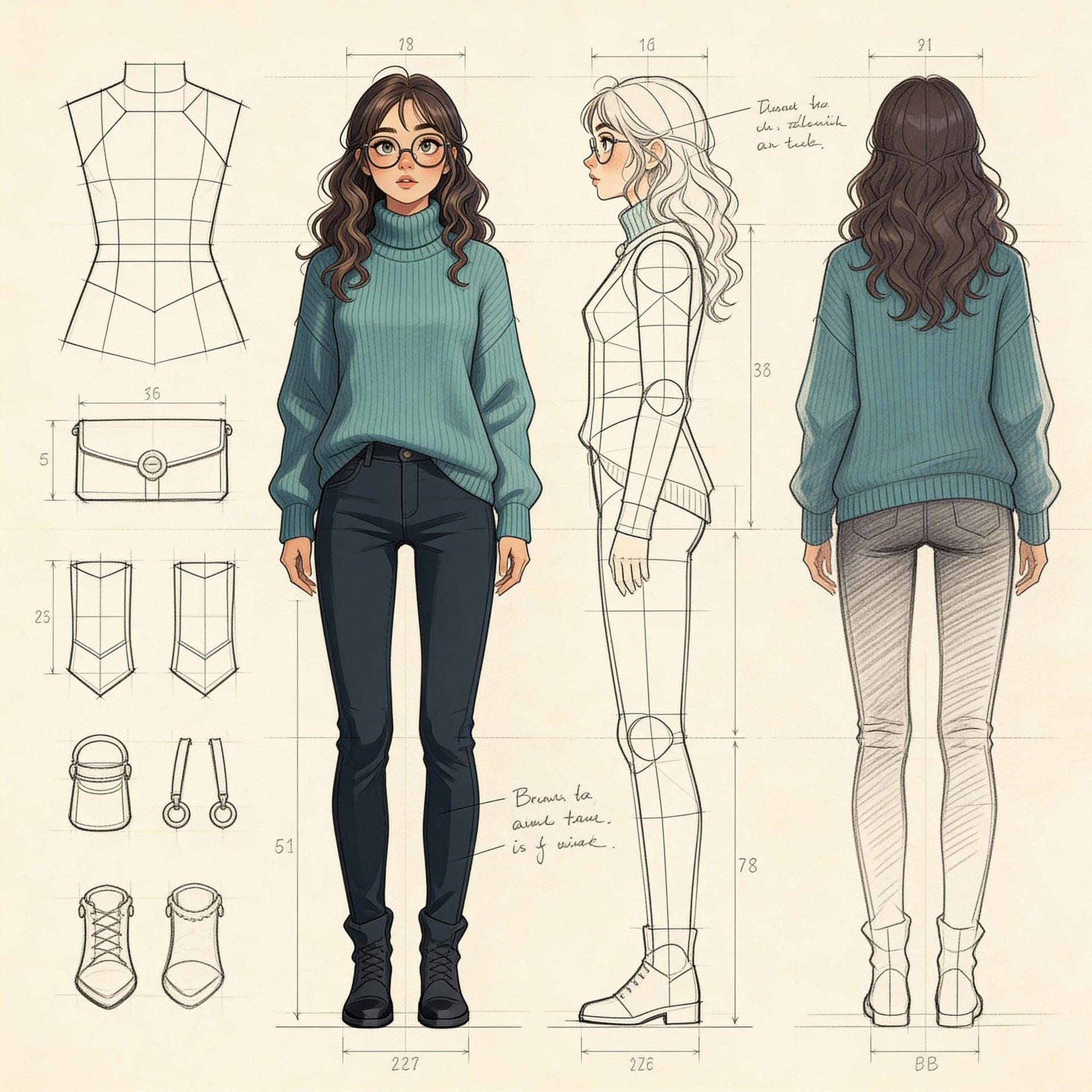
Lock characters, palettes and props across multiple panels.
Wide aspect support
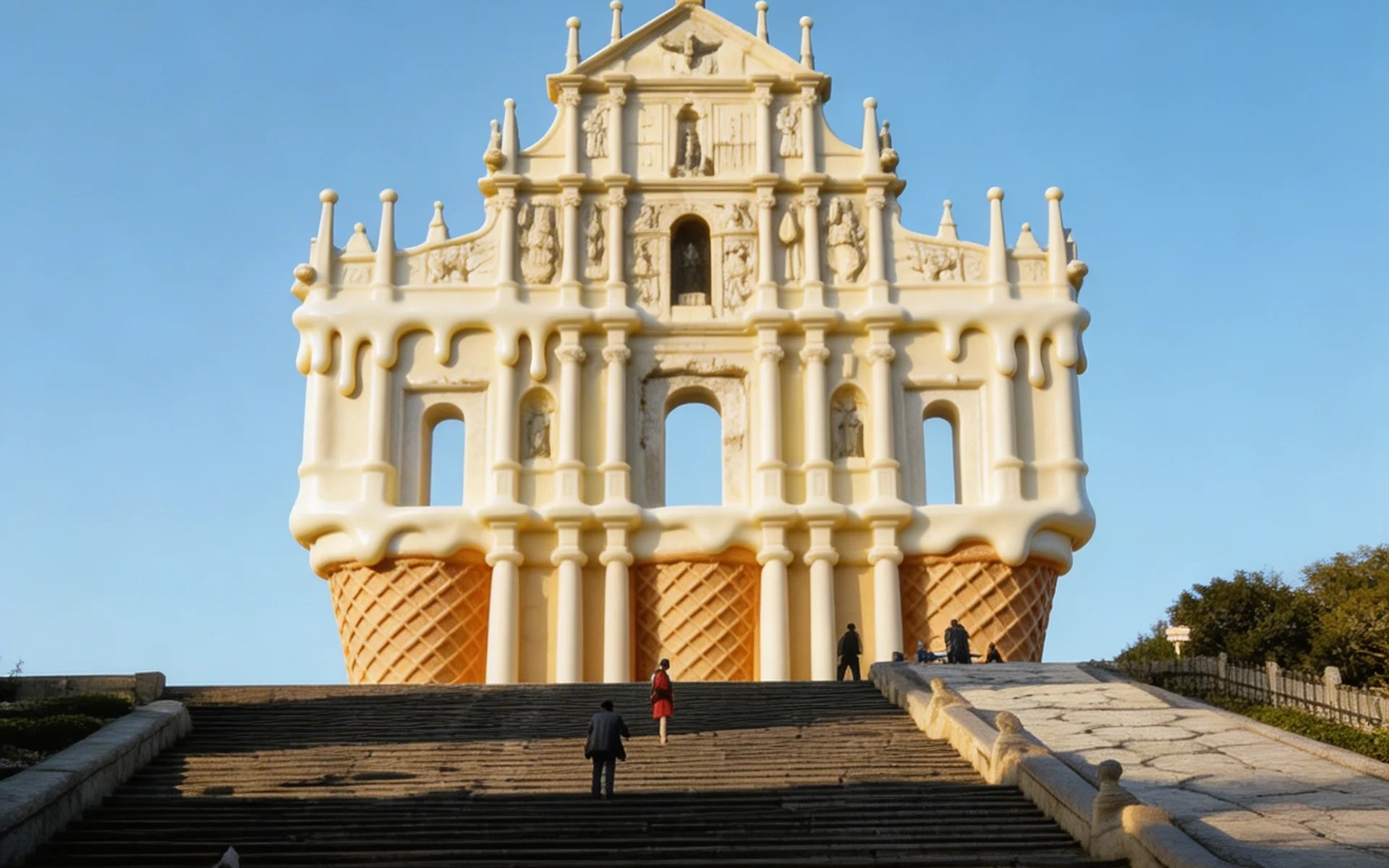
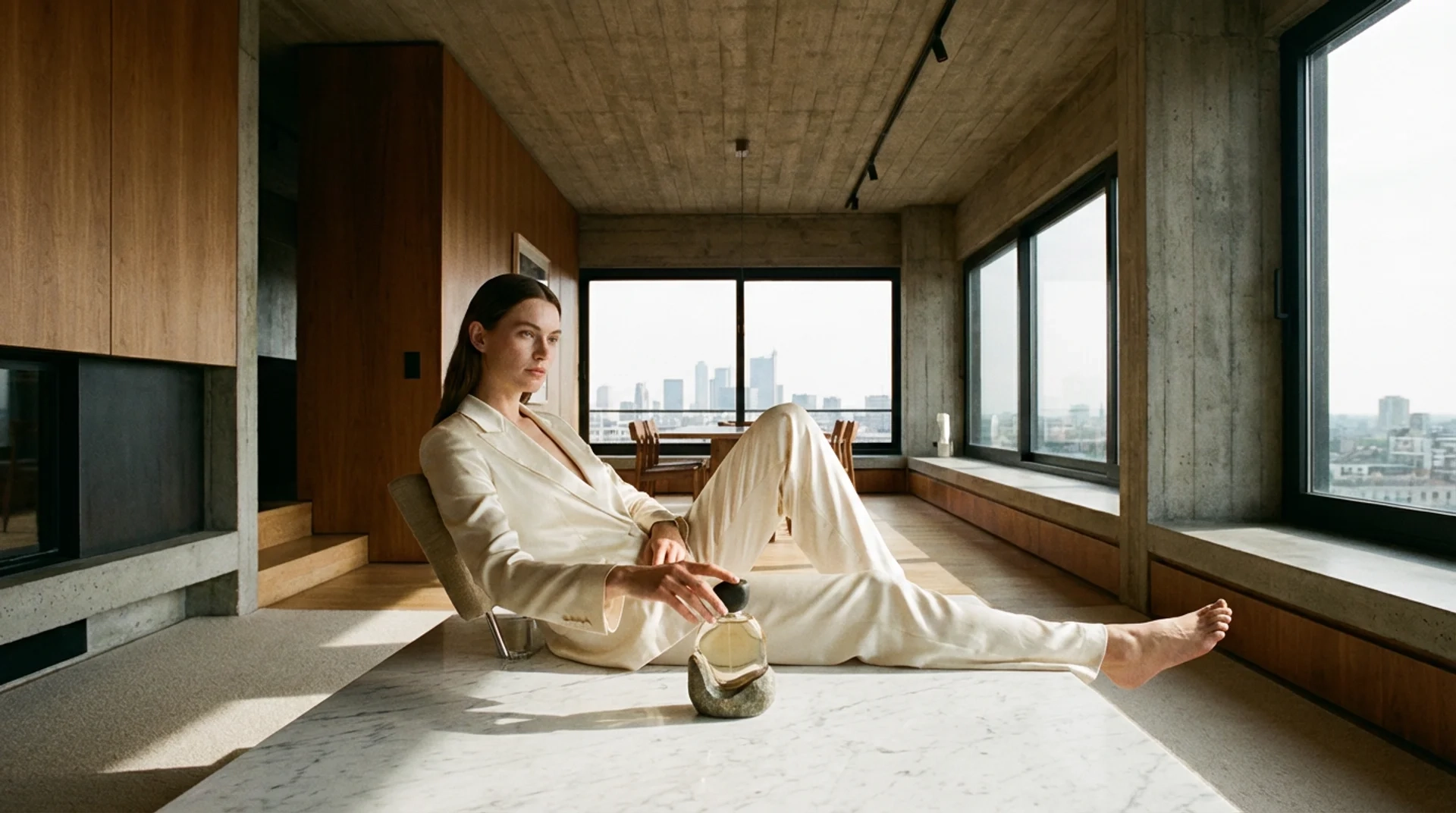
Square, portrait, landscape, panoramic, ultra-wide.
Legible short text
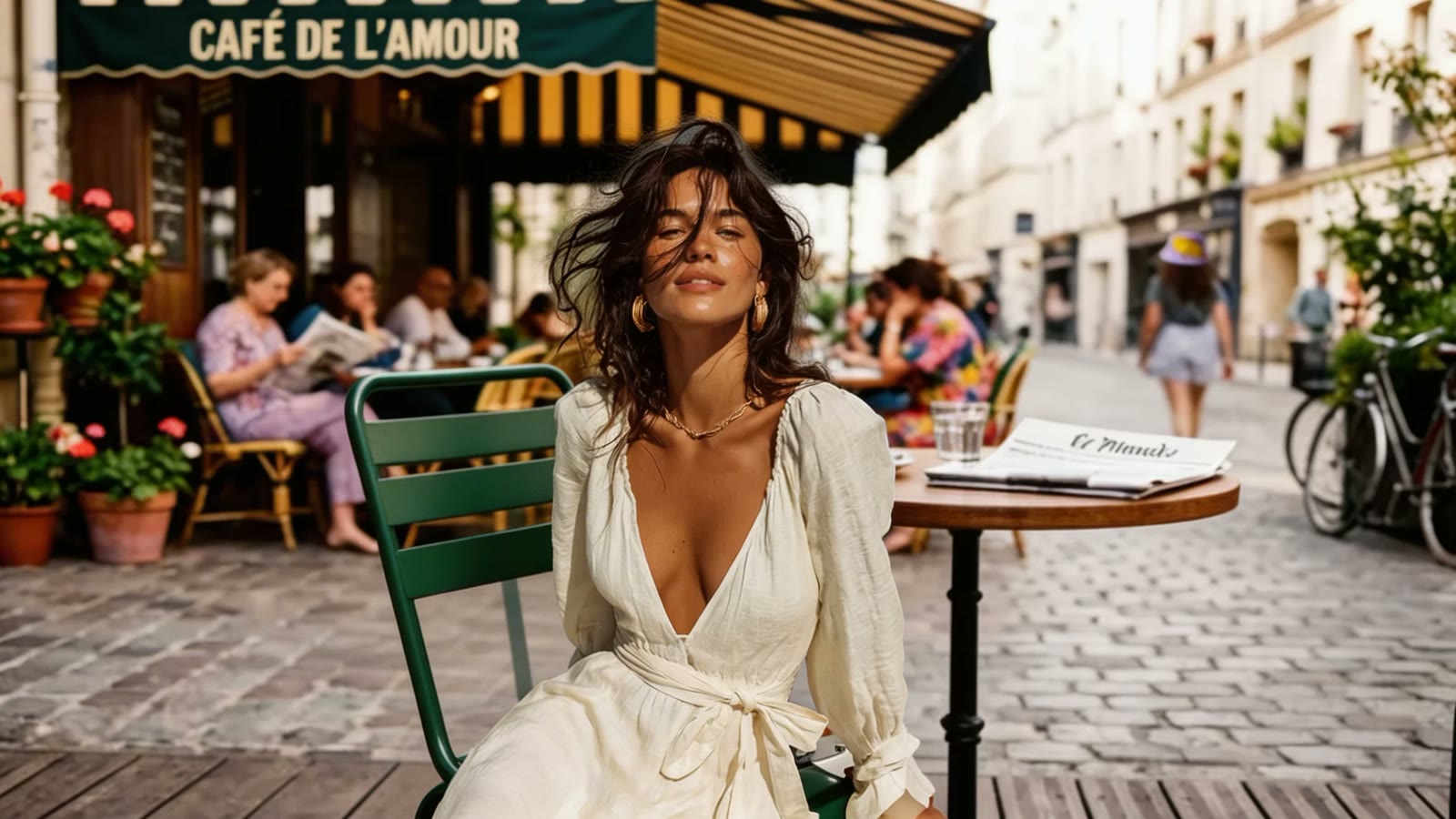
Renders short text on signs, headlines and props with reasonable accuracy.
What is GPT Image 2?
GPT Image 2 is OpenAI's image generation model, opened to API in 2026. Its distinctive feature is a three-tier quality dial (low / medium / high) baked into the API — you only pay for the fidelity you need: preview ideas at the low tier, then re-render keepers at high. This pay-for-fidelity structure is what separates it from most other image models, where every call costs the same regardless of whether you're testing layout or shipping a final.
On top of the quality dial, the model accepts up to 16 reference images per call. That makes it practical to lock down a character's face, an art style, a brand color palette or a specific prop and keep them consistent across every panel in a multi-shot illustration. Aspect support is wide — square, portrait, landscape, panoramic, even ultra-wide ratios — so the same model serves children's-book pages, social-post visuals, and storyboard frames without needing a separate tool per format.
This GPT Image 2 image generator gives you direct, single-prompt control. The full Story Into Video pipeline draws on engines like GPT Image 2 behind the scenes — describe your story once and it plans, generates, and chains every shot into a finished video for you. Use this page when you want to drive GPT Image 2 directly; use the full story-into-video flow when you want a complete narrated video.
What people use GPT Image 2 for
Three flows where the quality dial pays for itself.
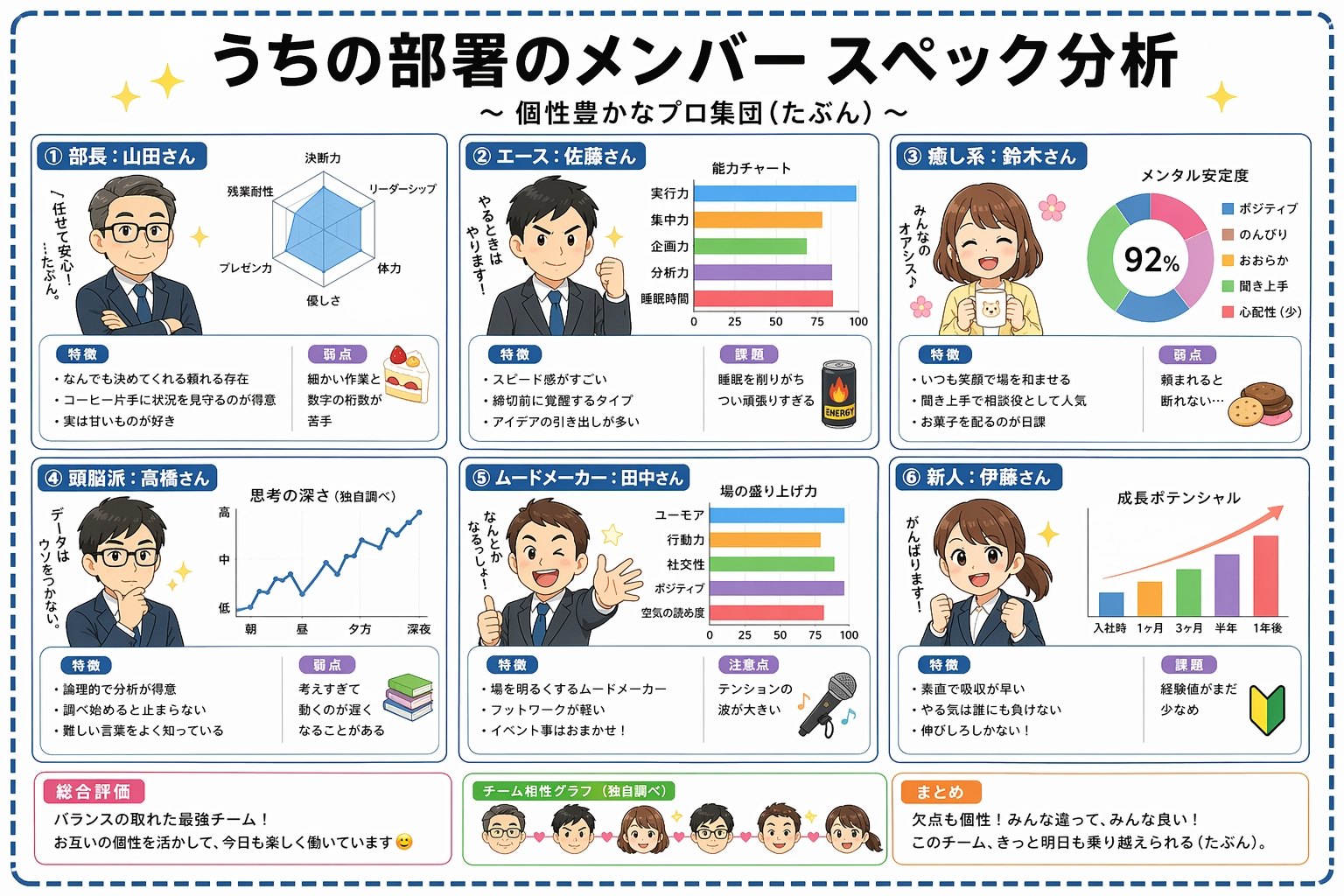
Editorial illustrations & children's books
Long-form illustration projects need consistency across dozens of panels. Pin your style + main character with up to 16 reference images, then iterate freely on each new scene. The 'low' tier is cheap enough to draft a whole book before paying for any high-tier finals.
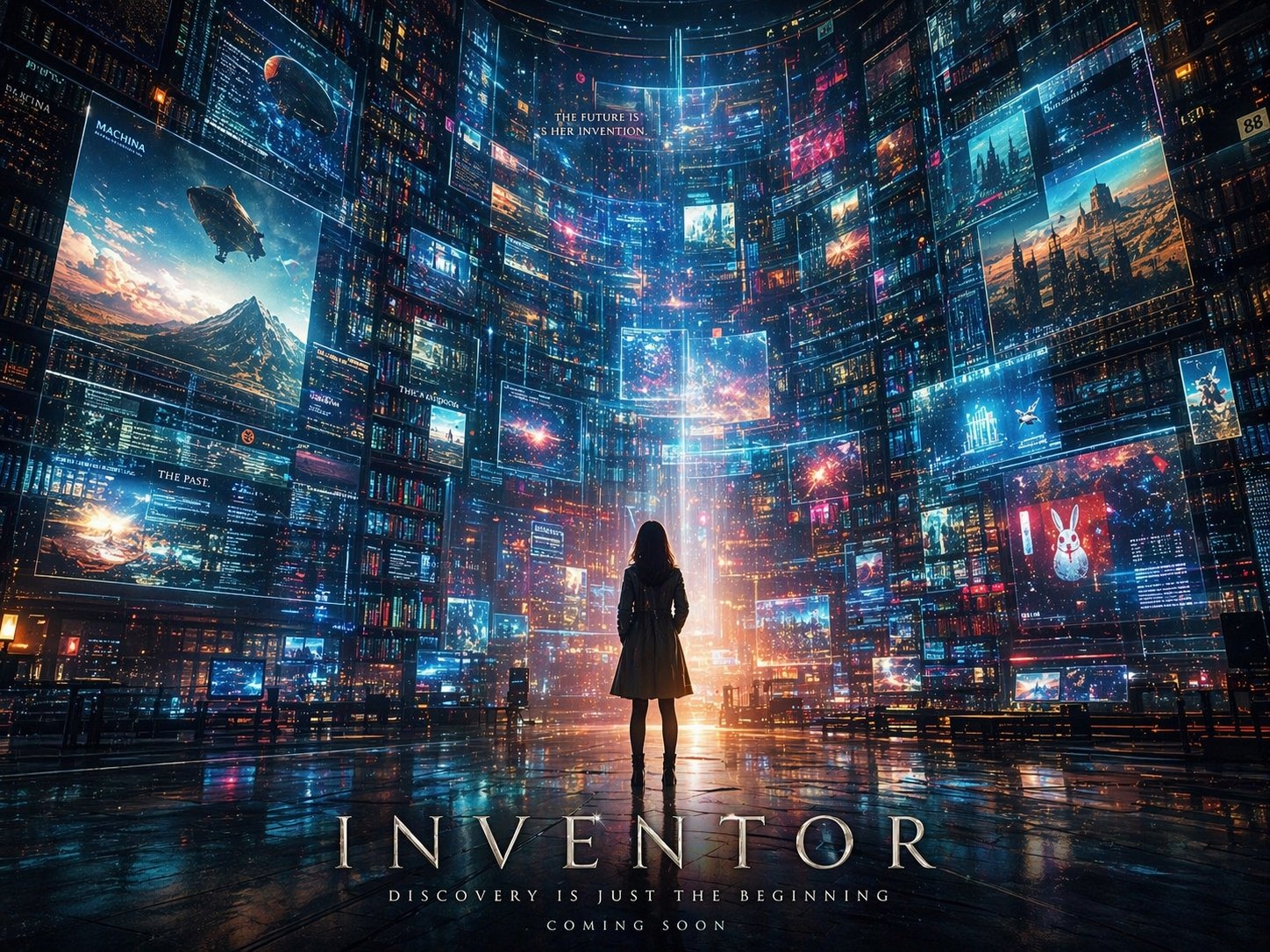
Storyboard frames for video pre-production
Before generating an actual video, you want to nail the shot composition. GPT Image 2 storyboard frames take seconds and read clearly to a director — and when you take the same idea into the full story-into-video flow, the pipeline generates every frame in a locked, consistent style automatically.
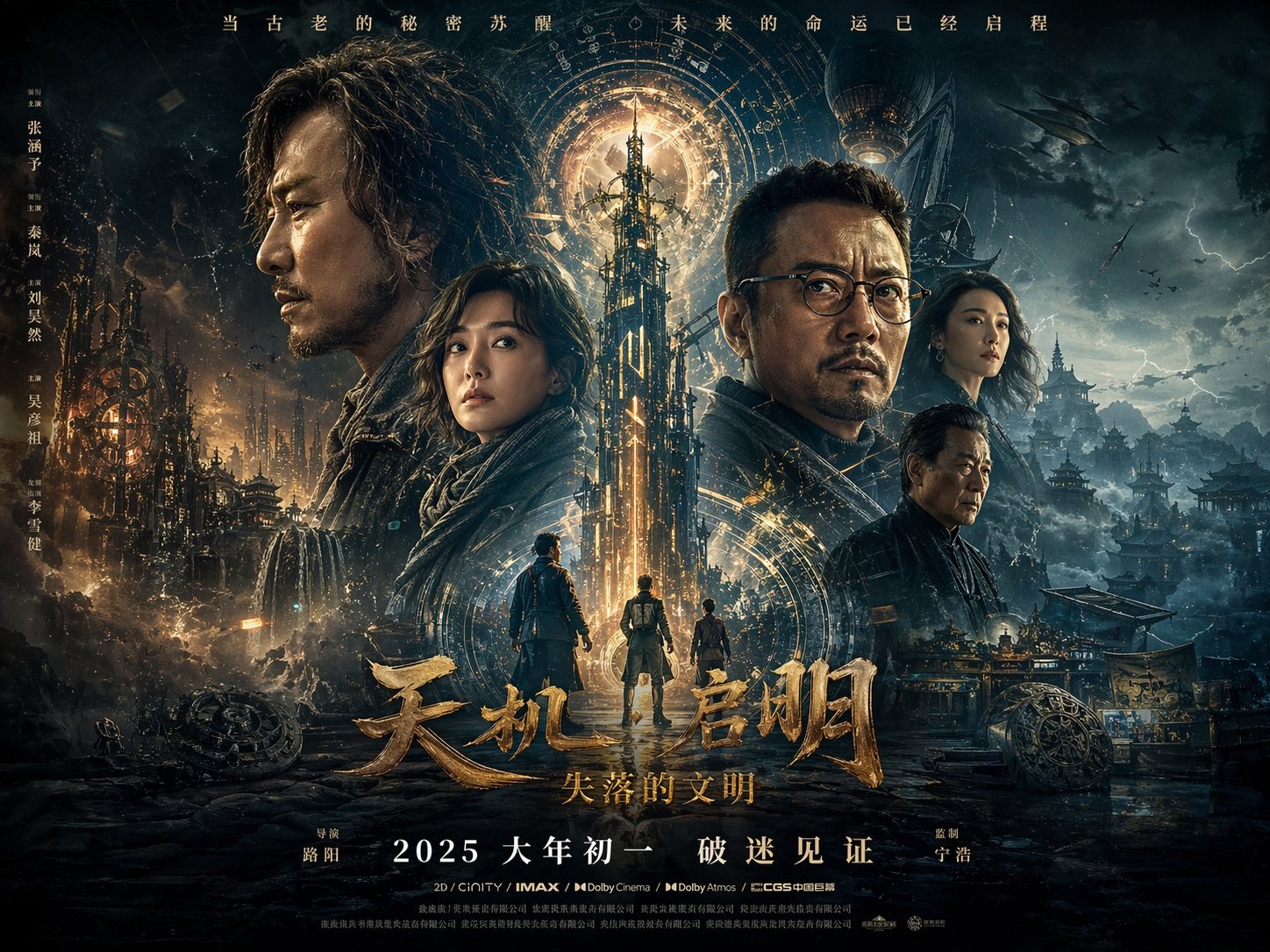
Marketing posters & key visuals
Draft layouts at the low tier, then re-render the chosen one at high. GPT Image 2 also handles short text on signs, posters and props with reasonable legibility, which makes it useful for brand-asset drafts.
How it works
Three steps from idea to shareable clip — no editor, no plugins.
01 · Write
Write one prompt
Describe the shot in plain language. Include subject, action, lighting and camera move. The longer the better — modern models reward detail.
02 · Pick
Pick mode + duration
Switch between Text, Image-to-Video, or First / Last frame. Pick the resolution and length you want — the price updates live as you choose.
03 · Generate
Generate, download, iterate
Hit Generate and your clip lands in the library within minutes. Save it, tweak the prompt and run it again, or turn the same idea into a full narrated story video in the Story Into Video workflow.
Use the GPT Image 2 image generator inside Story Into Video
By itself this tool gives you one image per click — useful for a single illustration or test. But Story Into Video's main value isn't 'generate one good image' — it's turning a written story into a coherent multi-shot video with consistent characters and a narrator.
Prototype your look here with single GPT Image 2 prompts, then take the same idea into the full workflow — describe your story, pick the art style, and the pipeline handles every shot end to end. No model settings to manage: the workflow chooses and chains the right engines automatically.
GPT Image 2 specs at a glance
- Billing
- Per image, varies by quality × resolution
- Quality
- low · medium · high
- Resolution
- 1K · 2K · 4K
- Aspect ratio
- 1:1 · 16:9 · 9:16 · 3:2 · 2:3 · 4:3 · 3:4 · 4:5 · 5:4 · 21:9 …
- Reference images
- Up to 16 per request
Each quality / resolution combo has its own credit price — live cost is shown on the generate button.
Built for
Story creators who ship — not just dabble.
Short-form video creators
TikTok, Reels, YouTube Shorts. Turn a daily script into a stack of cinematic 5–15s clips without a camera crew.
Marketers & brand teams
Brand-safe product shots and product-in-scene b-roll for ads, landing pages and email — locked styles across the campaign.
Writers, educators, agencies
Draft a fully narrated video of a script before committing to live action — characters, voice-over and subtitles all handled inside Story Into Video.