MiniMax H3 Video Generator
MiniMax H3: native 2K output, sound generated with every shot, and references that take images, video and audio together.
Sign in to generate — your prompt will be saved.
One model, every look
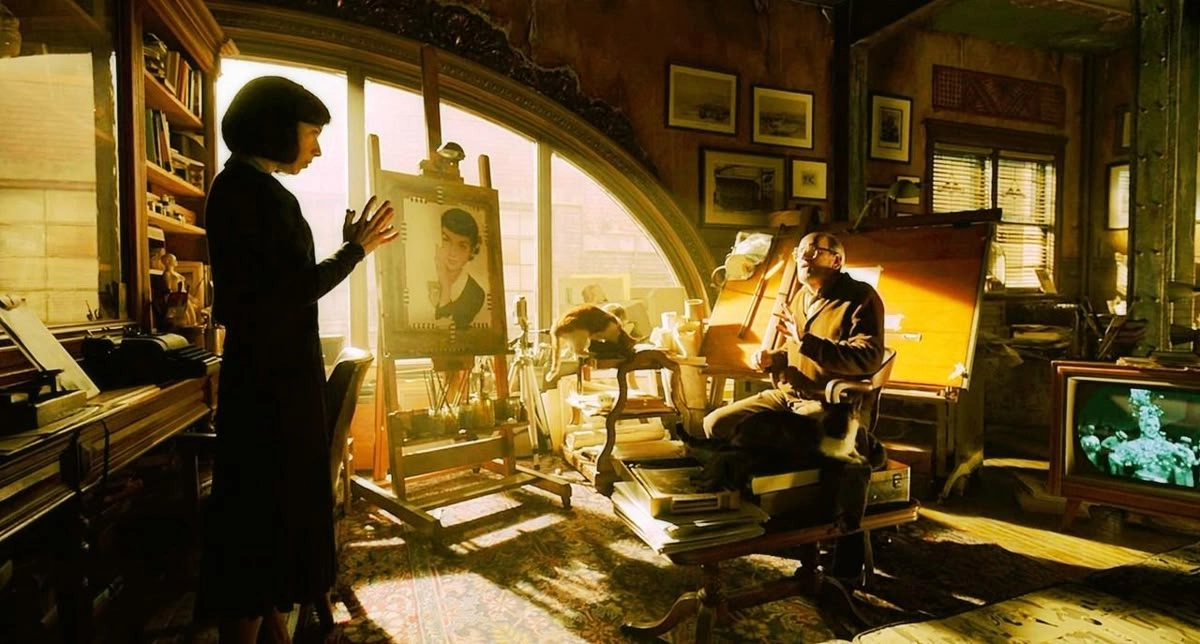
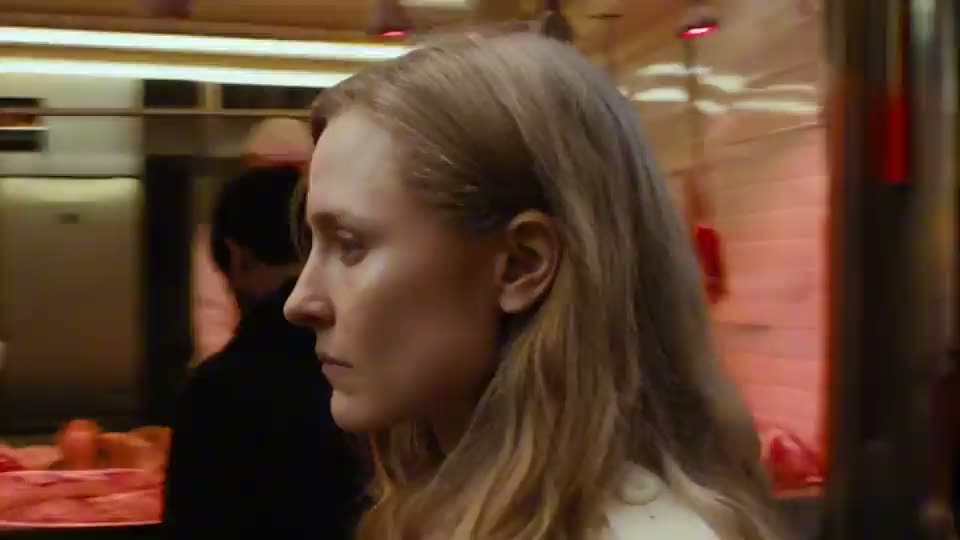
Four clips generated with MiniMax H3 at 2K — straight from the model, no grading pass.
Native 2K
Generated at 2K rather than upscaled — the difference shows first on faces and fine texture.
Audio always on
Sound is generated with every shot by default. There is no silent mode and no separate rate.
First & last frame
Pin both ends of a shot and MiniMax H3 fills the motion between them. Stable for product and title work.
Mixed references
Up to 9 images, 3 videos and 3 audio clips as combined anchors for style and subject.
What is MiniMax H3?
MiniMax H3 is MiniMax's third-generation video model, released as MiniMax-H3 on their API. MiniMax built its reputation on the physical believability of motion — bodies that carry weight, fabric that settles, water that behaves like water — and MiniMax H3 is where that reputation meets a native 2K output. Most models in this bracket render at 720p or 1080p and leave you to upscale; MiniMax H3 generates at 2K directly, which shows most on faces, where upscaling usually turns skin into plastic.
Sound is not an option in MiniMax H3, it is a property. Every shot comes back with audio generated alongside the picture — there is no toggle to switch it off and no separate rate for a silent version. On the reference side you can supply up to 9 images, 3 videos and 3 audio clips, or instead pin a first and last frame and let the model fill the motion between them. Those two modes are mutually exclusive: it is either frame anchoring or multi-asset referencing, never both in one request. Duration runs from 4 to 15 seconds in whole seconds, across 21:9, 16:9, 4:3, 1:1, 3:4 and 9:16.
Where MiniMax H3 earns its place is the photoreal human shot. If your scene turns on an actor's face — a reaction, a line of dialogue, a moment of hesitation — the combination of 2K detail and MiniMax's motion modelling is the reason to pick it over a cheaper model. This MiniMax H3 video generator drives the model directly, one clip per click. The full workflow uses engines like this one under the hood to plan and chain every shot of a narrated story.
What people use MiniMax H3 for
Three shots where 2K detail and physically plausible motion are the whole point.
Close-ups where the performance carries the shot
A face in close-up is the hardest thing to fake, and the first place an upscaled 720p render falls apart. MiniMax H3 generates at 2K from the start, so eyes stay sharp and skin keeps its texture. Add the fact that audio is generated with the picture and a spoken line arrives already matched to the mouth.
Dropping a designed character into a real place
Hand MiniMax H3 reference images of a character you have already designed and it will place that character in a live-action scene while keeping the design recognisable — the same proportions, the same colours, the same personality. With room for 9 reference images you can cover several angles, which is what stops a character from redrawing itself when it turns.
Vertical fashion and brand films at 2K
Fashion is unforgiving: fabric has to fall correctly and a garment's cut has to survive the movement. This is exactly the physical plausibility MiniMax models are known for, and at 2K in a 9:16 frame the result holds up on a phone screen without the softness that gives an upscale away.
How it works
Three steps from idea to shareable clip — no editor, no plugins.
01 · Write
Write one prompt
Describe the shot in plain language. Include subject, action, lighting and camera move. The longer the better — modern models reward detail.
02 · Pick
Pick mode + duration
Switch between Text, Image-to-Video, or First / Last frame. Pick the resolution and length you want — the price updates live as you choose.
03 · Generate
Generate, download, iterate
Hit Generate and your clip lands in the library within minutes. Save it, tweak the prompt and run it again, or turn the same idea into a full narrated story video in the Story Into Video workflow.
Use the MiniMax H3 video generator inside Story Into Video
This page gives you one MiniMax H3 clip per click — 4 to 15 seconds at 2K, audio included. For a single hero shot, or for testing whether MiniMax H3 handles your character before committing to a longer piece, that is usually what you want.
A finished story needs more than one shot. Try the look here with single MiniMax H3 prompts, then take the idea into the complete workflow — describe your story, choose a style, and the pipeline writes the shot plan, keeps your characters consistent from scene to scene, and generates every shot with narration and subtitles. Generation is asynchronous and a full story runs several minutes, so start it and come back to it.
MiniMax H3 specs at a glance
- Billing
- Per second — see the live rate on the generate button
- Duration
- 4 – 15 seconds (whole seconds)
- Quality
- 2K
- Aspect ratio
- 21:9 · 16:9 · 4:3 · 1:1 · 3:4 · 9:16
- Reference inputs
- Up to 9 images + 3 videos + 3 audio, or first/last frame
Pricing follows Story Into Video credits — the live cost is shown on the generate button.
Built for
Story creators who ship — not just dabble.
Short-form video creators
TikTok, Reels, YouTube Shorts. Turn a daily script into a stack of cinematic 5–15s clips without a camera crew.
Marketers & brand teams
Brand-safe product shots and product-in-scene b-roll for ads, landing pages and email — locked styles across the campaign.
Writers, educators, agencies
Draft a fully narrated video of a script before committing to live action — characters, voice-over and subtitles all handled inside Story Into Video.