Nano Banana 2 Image Generator
Nano Banana 2: fast image generation and natural-language editing, native 1K / 2K / 4K output with legible text.
Sign in to generate — your prompt will be saved.
Speed-tuned
Lower latency and cost than Pro while approaching Pro-level quality — the default in the Gemini app.
Natural-language editing
Change any region by describing it — no masks or layers; the rest of the image stays intact.
Legible text to 4K
Renders in-image text across languages; 4K output is clean enough to print.
Multi-image fusion
Combine up to 5 characters and 14 objects into one composed image.
What is Nano Banana 2?
Nano Banana 2 is the community name for the Gemini 3.1 Flash Image model. It shares its backbone with Nano Banana Pro, but where Pro is tuned for maximum quality, Nano Banana 2 is tuned for speed — lower latency and cost while approaching Pro-level results. It's now the default image model in the Gemini app, with Pro kept for the most demanding high-fidelity work.
It does text-to-image, image-to-image, and instruction-based editing: describe a change in plain language — remove this, replace that, restyle the whole thing — and it applies the edit while keeping the rest of the composition intact, no masks or layers. Text rendering works across languages and formats, and multi-image fusion can combine up to 5 characters and 14 objects in one workflow. Output is native 1K, 2K and 4K, with 4K producing print-ready images whose text stays legible.
This page drives Nano Banana 2 directly, one prompt per image. The full Story Into Video pipeline uses engines like this behind the scenes — describe your story once and it plans, generates and chains every shot into a finished video. Use this page when you want Nano Banana 2 on its own; use the full flow when you want a complete narrated video.
What people use Nano Banana 2 for
Three flows where speed plus clean text and editing pay off.
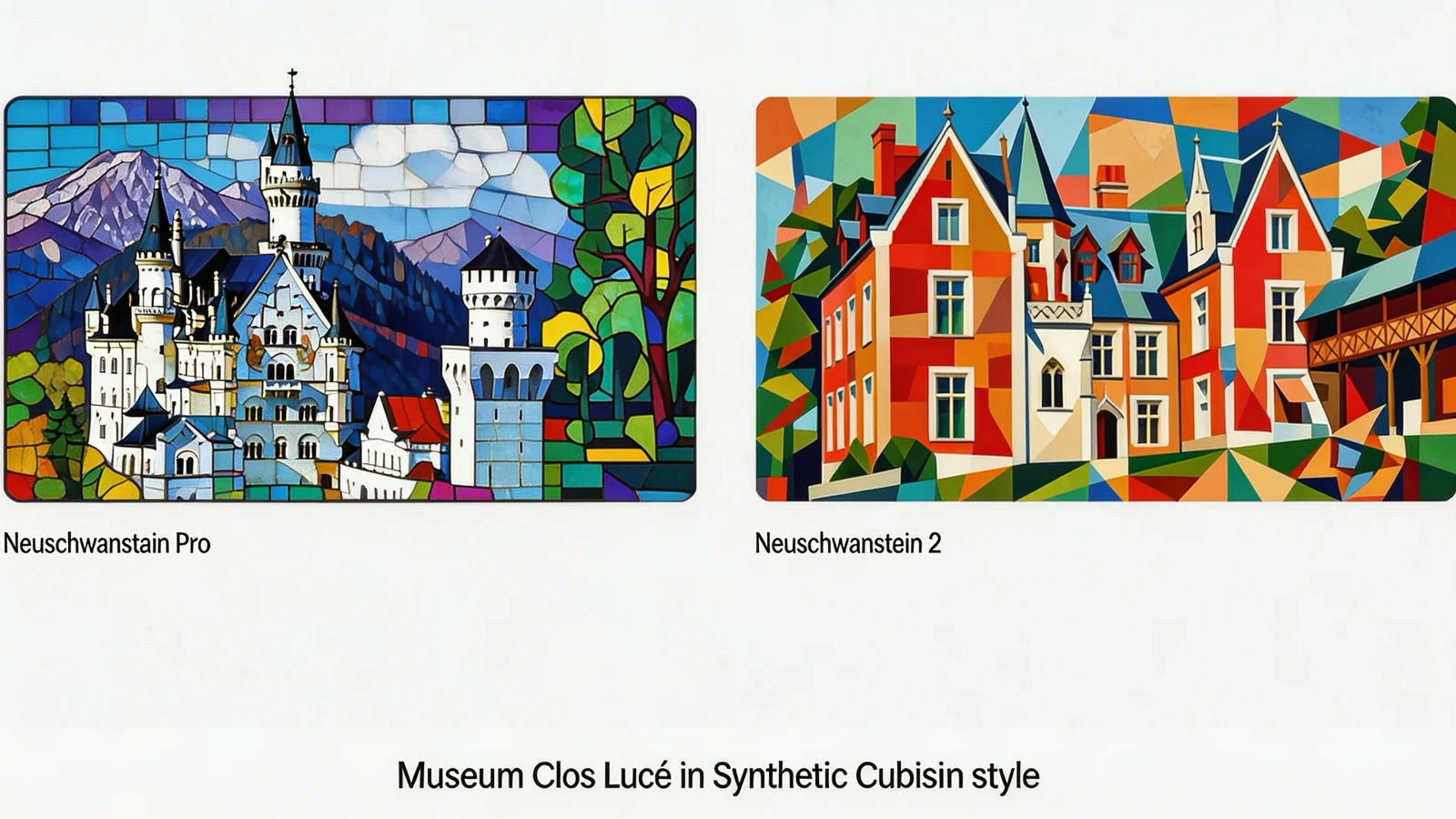
Fast iteration at near-Pro quality
When you're exploring a look and want many shots quickly, Nano Banana 2's lower latency lets you iterate fast without dropping to a visibly weaker model. Lock the direction here, then push the final pick to Pro only if a shot truly needs the extra fidelity.
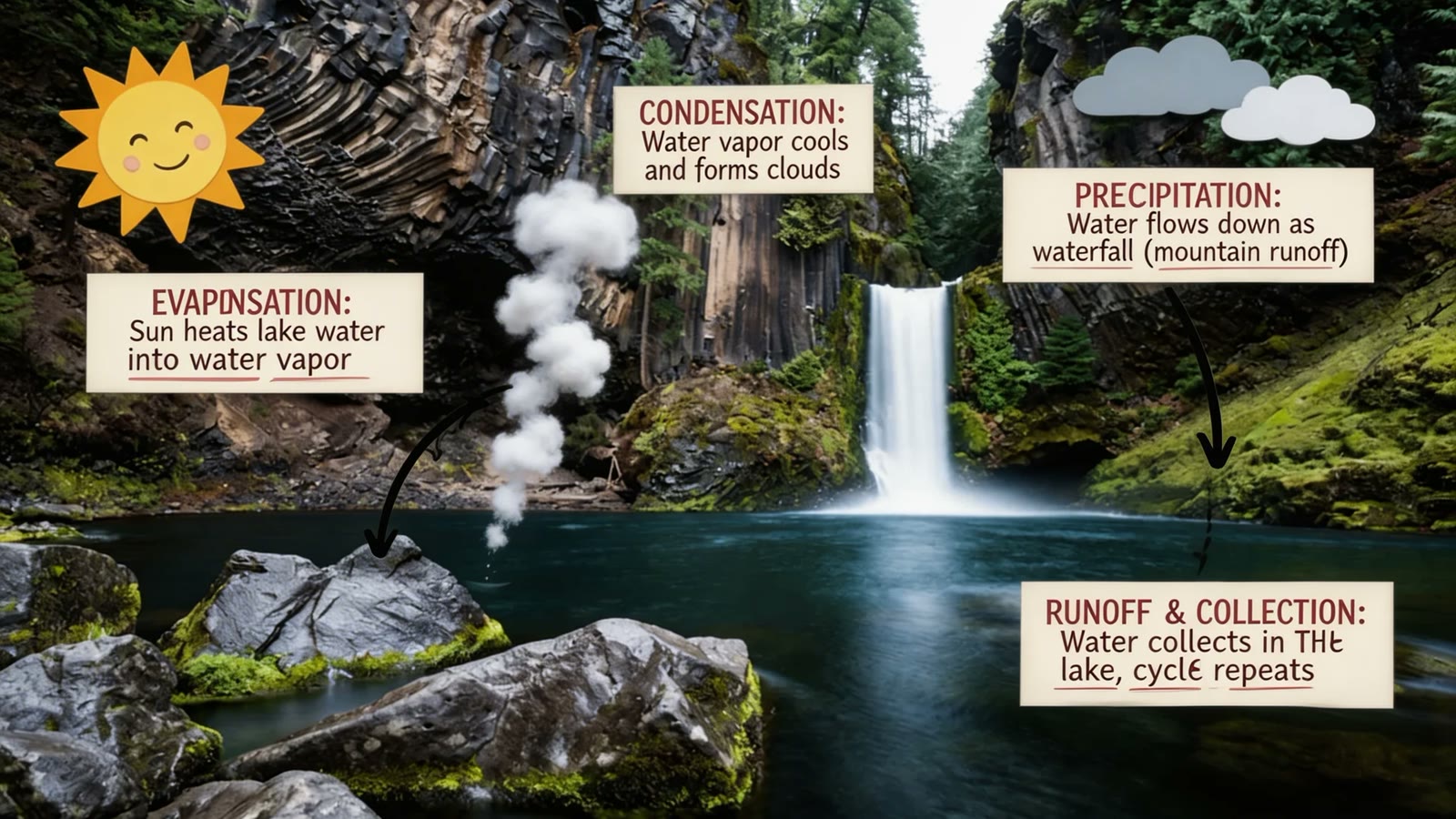
Natural-language photo editing
Point at any part of an image in plain language — 'swap the product', 'change the lighting to dusk', 'redraw the sign' — and Nano Banana 2 applies it while leaving the rest untouched. No masks, no layers; the composition survives the edit.
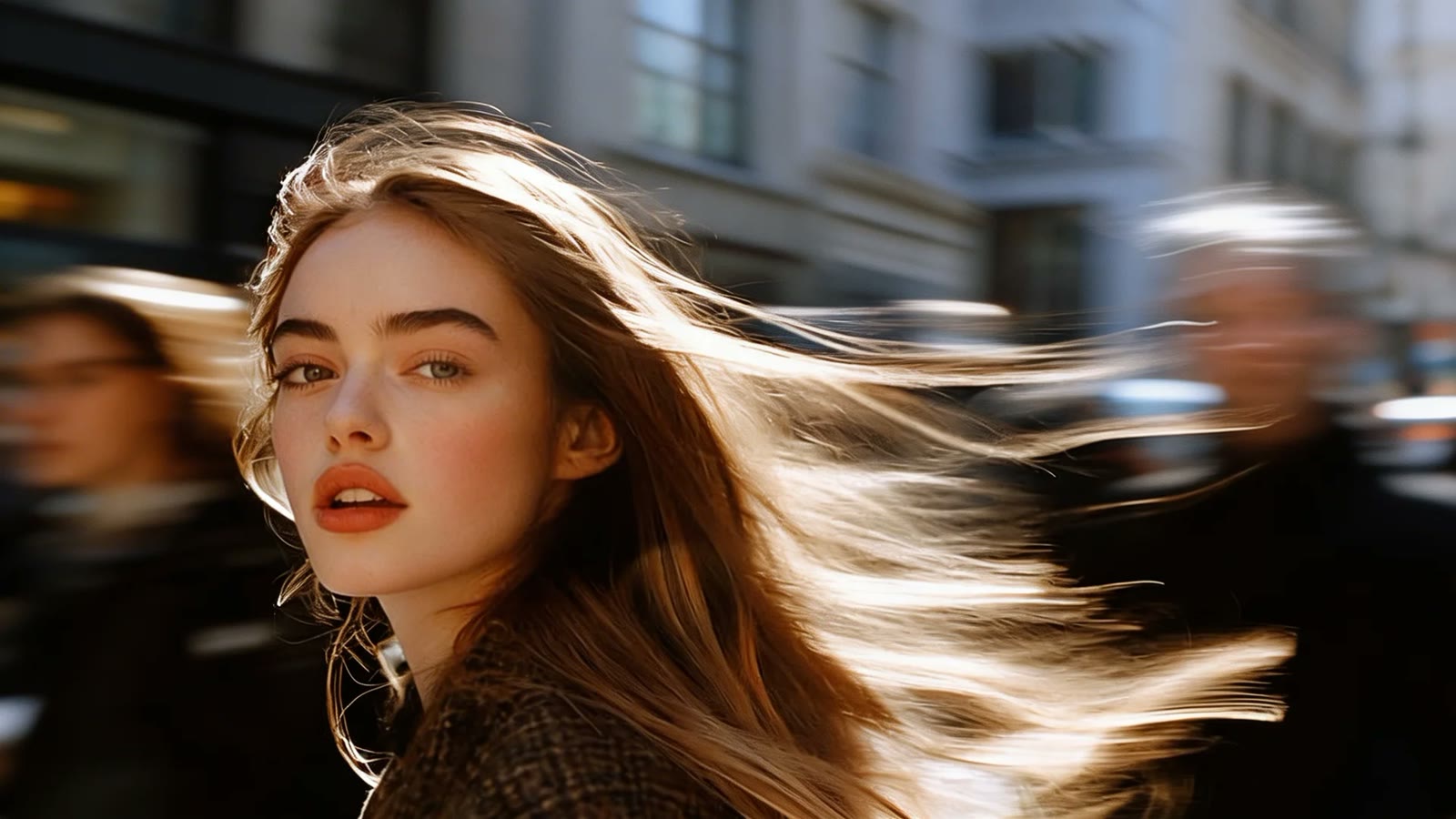
Text-in-image and product shots
Signage, packaging labels, poster copy — Nano Banana 2 renders text that stays legible, and 4K output is clean enough to print. Multi-image fusion also lets you assemble a scene from several product or character references at once.
How it works
Three steps from idea to shareable clip — no editor, no plugins.
01 · Write
Write one prompt
Describe the shot in plain language. Include subject, action, lighting and camera move. The longer the better — modern models reward detail.
02 · Pick
Pick mode + duration
Switch between Text, Image-to-Video, or First / Last frame. Pick the resolution and length you want — the price updates live as you choose.
03 · Generate
Generate, download, iterate
Hit Generate and your clip lands in the library within minutes. Save it, tweak the prompt and run it again, or turn the same idea into a full narrated story video in the Story Into Video workflow.
Use the Nano Banana 2 image generator inside Story Into Video
On this page each click produces one Nano Banana 2 image — good for a product shot, an edited photo, or a single story frame. For one image that's often all you need, and the speed makes exploring variations quick.
A full story is more than one image. Prototype the look here, then take the same idea into the complete workflow — describe your story, pick a style, and the pipeline locks your characters across scenes and generates every shot with narration and subtitles. Generation is asynchronous and a full story takes several minutes, so start it and come back.
Nano Banana 2 specs at a glance
- Billing
- Per image — the rate varies by resolution, see the generate button
- Resolution
- 1K · 2K · 4K (native)
- Editing
- Instruction-based, mask-free semantic editing
- Reference inputs
- Multi-image fusion — up to 5 characters + 14 objects
Pricing follows Story Into Video credits — the live cost is shown on the generate button.
Built for
Story creators who ship — not just dabble.
Short-form video creators
TikTok, Reels, YouTube Shorts. Turn a daily script into a stack of cinematic 5–15s clips without a camera crew.
Marketers & brand teams
Brand-safe product shots and product-in-scene b-roll for ads, landing pages and email — locked styles across the campaign.
Writers, educators, agencies
Draft a fully narrated video of a script before committing to live action — characters, voice-over and subtitles all handled inside Story Into Video.