Seedream 5.0 Lite Image Generator
Seedream 5.0 Lite: the image model that reasons through a prompt before generating — up to 14 reference images and 3K output.
Sign in to generate — your prompt will be saved.
Thinks before it draws
Reasons through the prompt before generating — complex, knowledge-rich requests come back coherent.
Up to 14 references
A larger reference budget than 4.5 (10) — pin a character or product from more angles.
Up to 3K output
Adds a 3K tier over the 2K ceiling of the previous generation for crisper detail.
Optional web search
Can pull in real-time facts during generation when a prompt needs current information.
What is Seedream 5.0 Lite?
Seedream 5.0 Lite is a next-generation image model with one headline trait: it thinks before it draws. Instead of mapping a prompt straight to pixels, it reasons through the request first — untangling what a complex or knowledge-heavy description actually implies — then generates. That extra step is what lets it hold a labelled diagram together, get the parts of a scene in the right relationship, and follow a long instruction without dropping half of it.
Against the previous Seedream 4.5, the practical upgrades are concrete: the reference budget grows to 14 images (up from 10, about a 40% increase), output adds a 3K tier over 4.5's 2K ceiling, and knowledge/scientific imagery is sharper. There's also an optional real-time web-search step for prompts that need current facts. Aspect ratios cover 11 presets plus custom pixel dimensions.
This page drives Seedream 5.0 Lite directly, one prompt per image. The full Story Into Video pipeline uses engines like this behind the scenes — describe your story once and it plans, generates and chains every shot into a finished video. Use this page when you want Seedream 5.0 Lite on its own; use the full flow when you want a complete narrated video.
What people use Seedream 5.0 Lite for
Three flows where reasoning-before-drawing changes the result.
Knowledge & explainer illustration
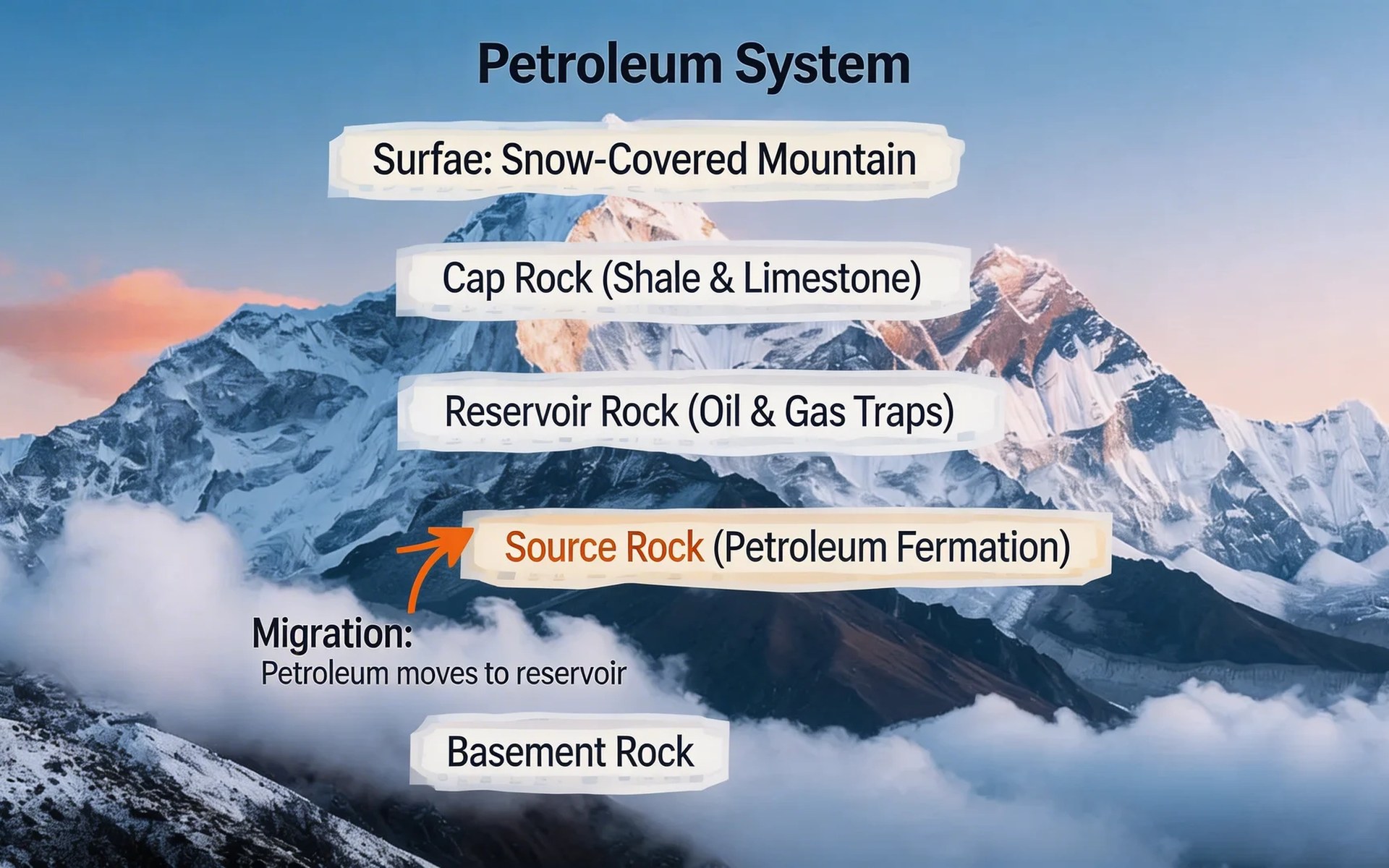
Labelled diagrams, science explainers, how-it-works cutaways — images where the parts have to be correct and in the right relationship, not just pretty. Because 5.0 Lite reasons about the prompt first, a request like 'cross-section of a cell with organelles labelled' comes back coherent instead of a decorative blob.
Complex multi-element scenes
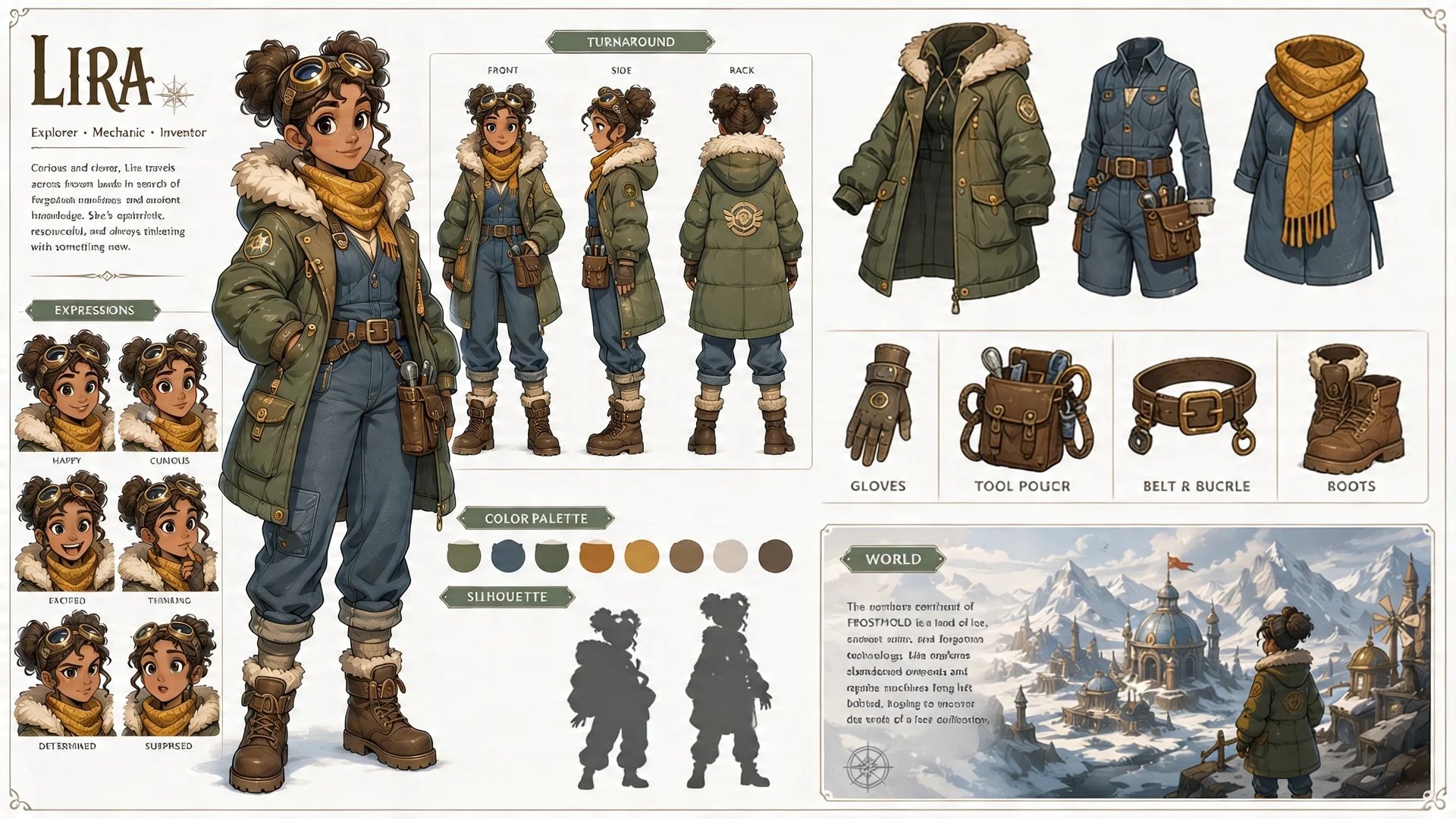
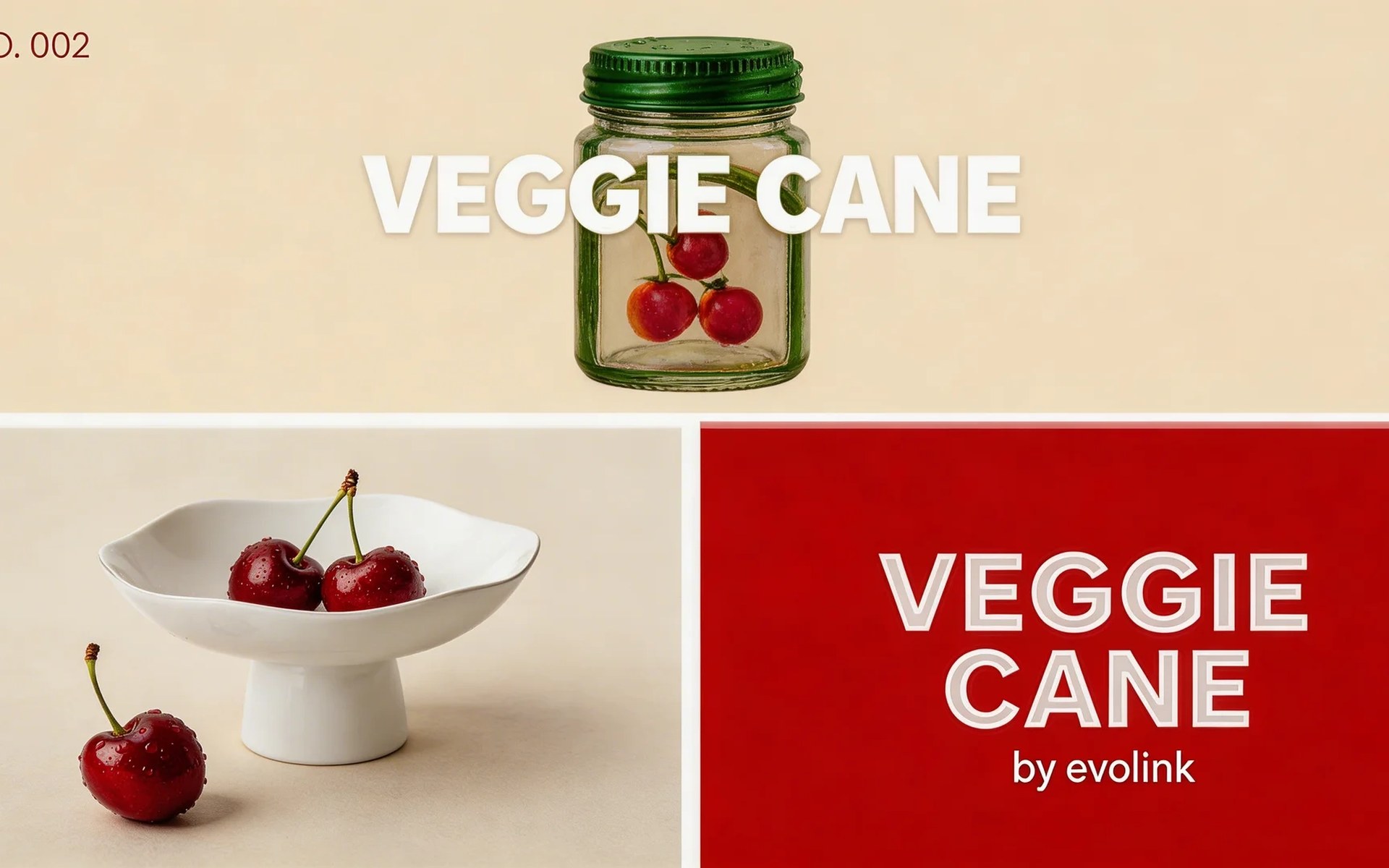
When a prompt stacks many constraints — several characters, specific props, a particular spatial layout — lighter models drop some of them. The thinking step lets 5.0 Lite keep more of the instruction intact, so crowded compositions hold together.
Reference-heavy consistency work
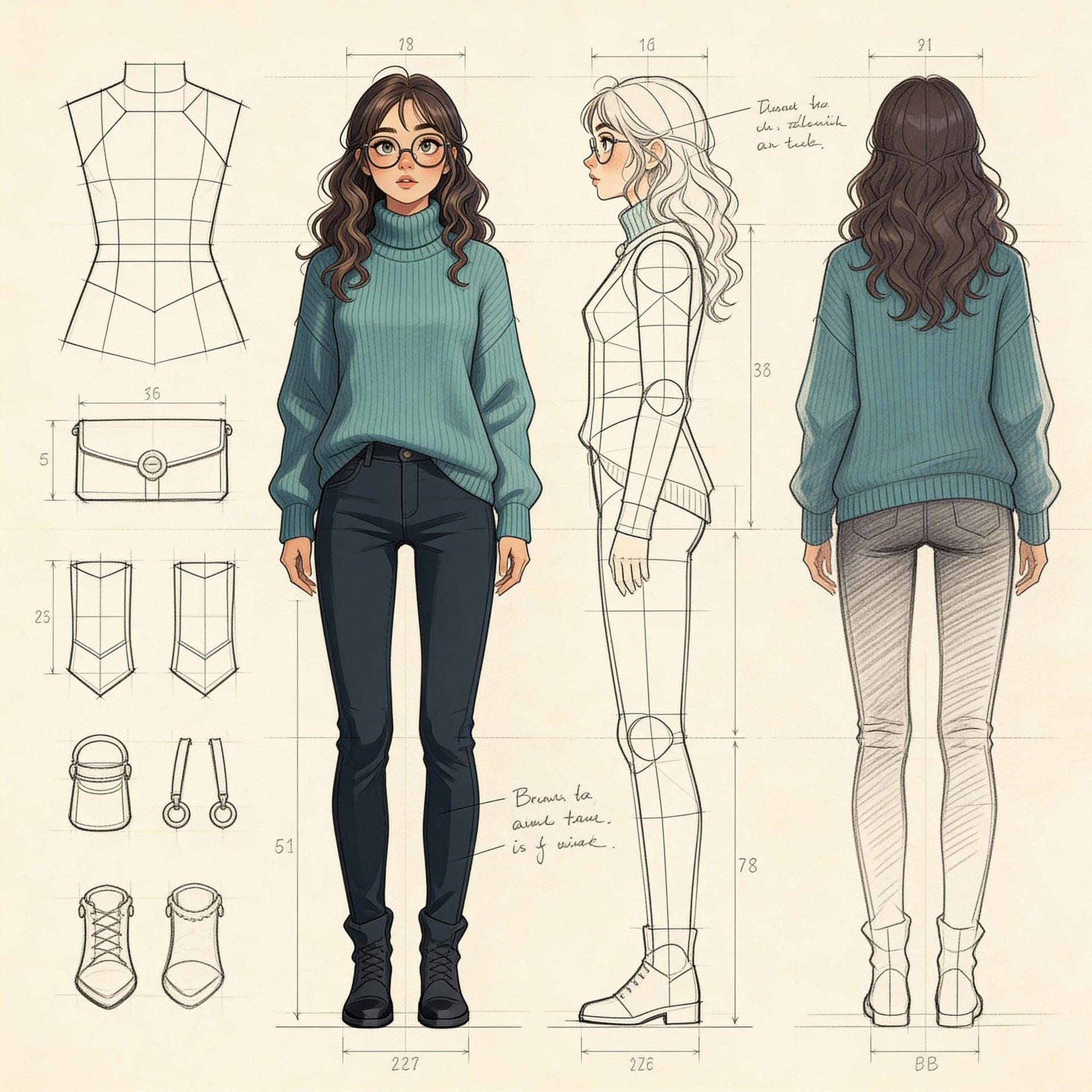
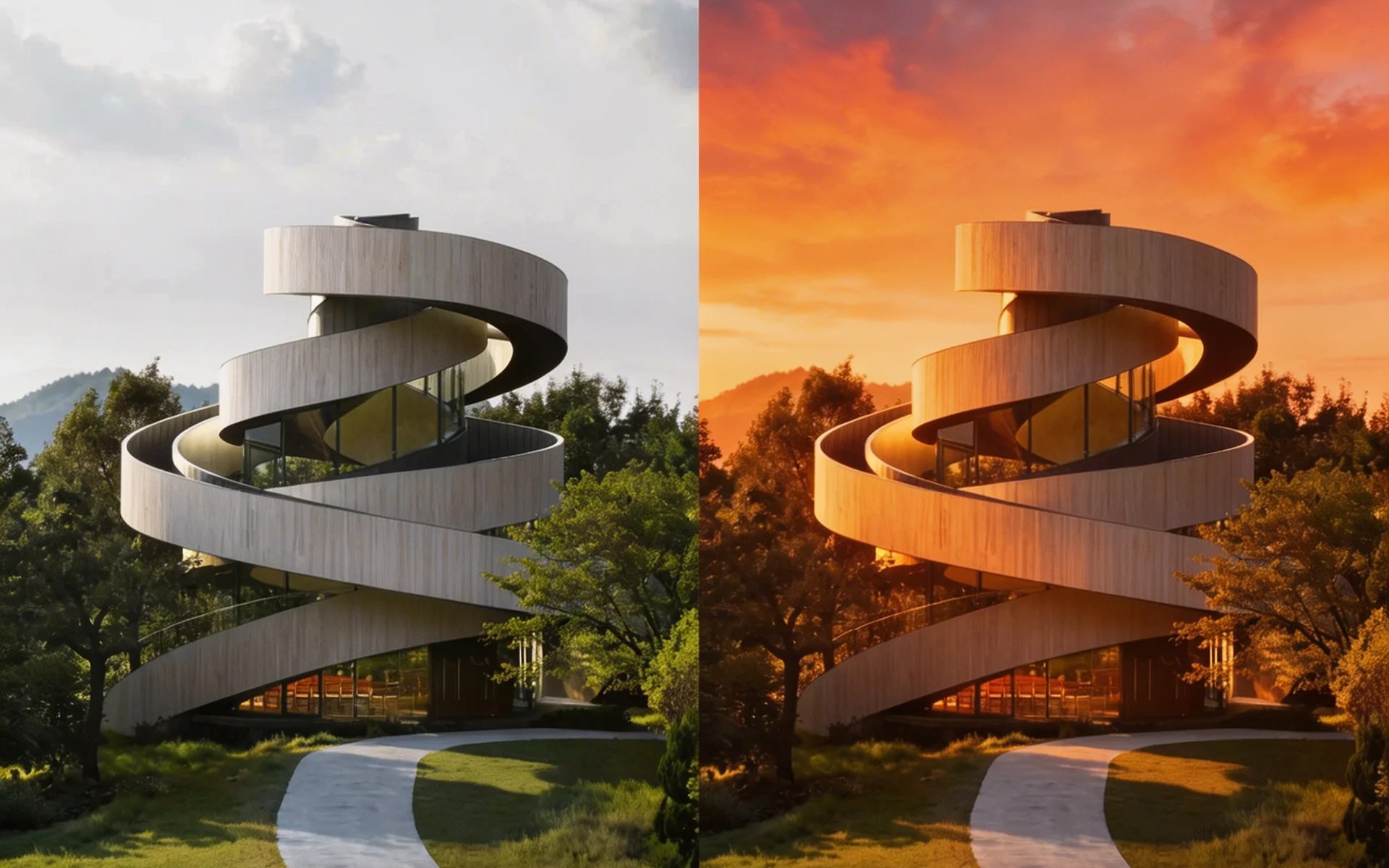
With room for 14 reference images, you can pin a character or product from many angles and keep a whole series on-model. Useful for storyboards and brand sets where the look must not drift between frames.
How it works
Three steps from idea to shareable clip — no editor, no plugins.
01 · Write
Write one prompt
Describe the shot in plain language. Include subject, action, lighting and camera move. The longer the better — modern models reward detail.
02 · Pick
Pick mode + duration
Switch between Text, Image-to-Video, or First / Last frame. Pick the resolution and length you want — the price updates live as you choose.
03 · Generate
Generate, download, iterate
Hit Generate and your clip lands in the library within minutes. Save it, tweak the prompt and run it again, or turn the same idea into a full narrated story video in the Story Into Video workflow.
Use the Seedream 5.0 Lite image generator inside Story Into Video
On this page each click produces one Seedream 5.0 Lite image — good for a concept piece, a labelled illustration, or a single story frame. For one image that's often all you need.
A full story is more than one image. Prototype the look here, then take the same idea into the complete workflow — describe your story, pick a style, and the pipeline locks your characters across scenes and generates every shot with narration and subtitles. Generation is asynchronous and a full story takes several minutes, so start it and come back.
Seedream 5.0 Lite specs at a glance
- Billing
- Per image — the rate varies by resolution, see the generate button
- Resolution
- Up to 3K
- Aspect ratio
- 11 presets + custom pixel dimensions
- Reference inputs
- Up to 14 reference images
Pricing follows Story Into Video credits — the live cost is shown on the generate button.
Built for
Story creators who ship — not just dabble.
Short-form video creators
TikTok, Reels, YouTube Shorts. Turn a daily script into a stack of cinematic 5–15s clips without a camera crew.
Marketers & brand teams
Brand-safe product shots and product-in-scene b-roll for ads, landing pages and email — locked styles across the campaign.
Writers, educators, agencies
Draft a fully narrated video of a script before committing to live action — characters, voice-over and subtitles all handled inside Story Into Video.