Seedream Story Image Generator
ByteDance Doubao Seedream: story illustration, character sheets, scene concept art — with native Chinese-language prompt support.
Sign in to generate — your prompt will be saved.
Strong Chinese scenes
Hanfu, solar terms, traditional cultural elements all land right — no 'Japanese-style hanfu'.
Narrative illustration
Storybook, picture-book and fairy-tale aesthetic — warm and soft, never plastic-looking.
Two variants
4.5 flagship quality vs 5.0 Lite value — switch by your quality priority.
Pipeline anchor
Seedream's protagonist art can become the first-frame reference for the next video shot.
What is Seedream?
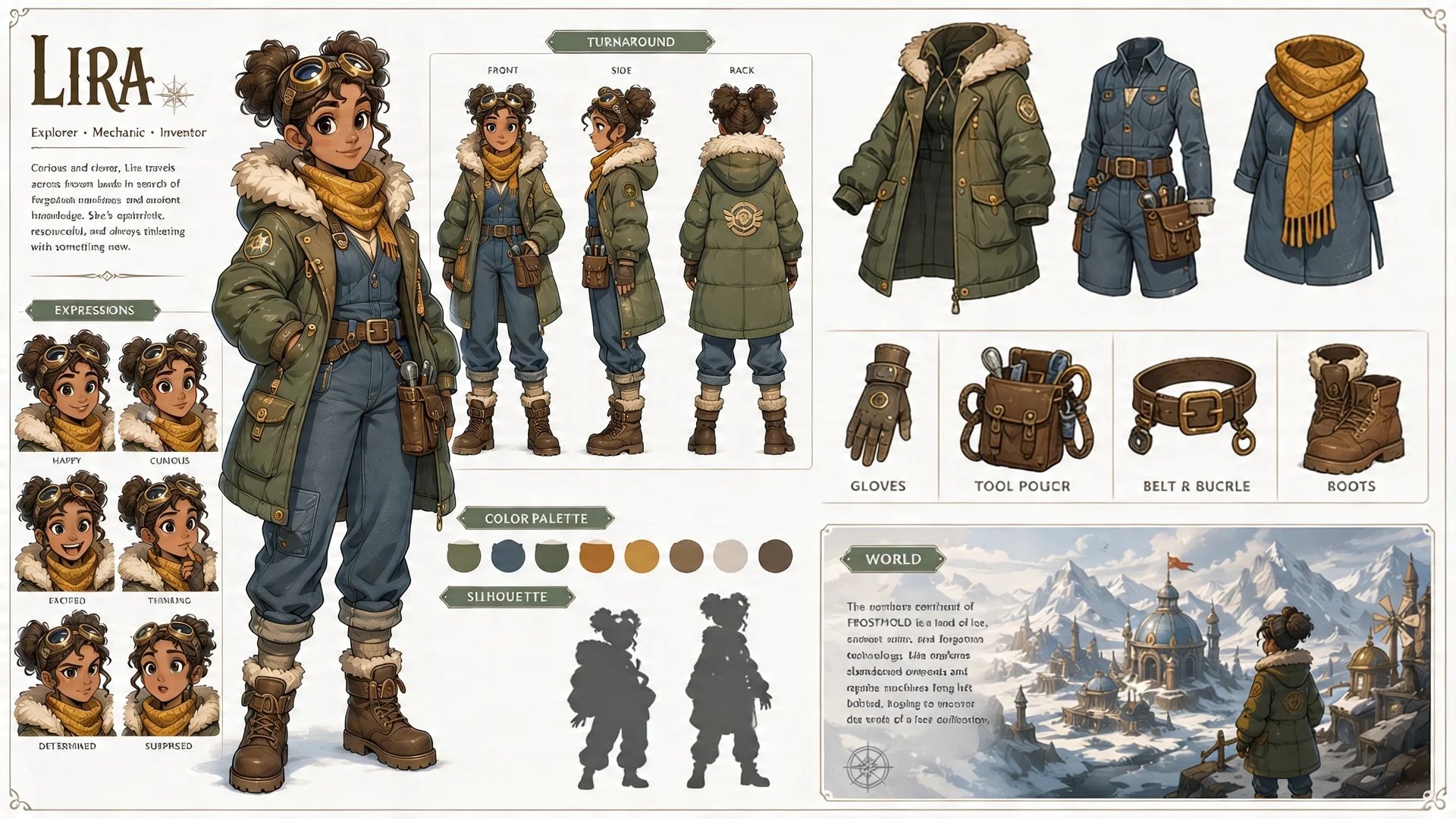
Seedream is the story-image model from ByteDance's Doubao team — sibling to the Seedance video line. It commits hard on two strengths: Chinese-language scene understanding (a prompt like 'a girl in hanfu walking through a rainy alley in southern Anhui' returns correct costume, architecture and lighting) and a narrative-illustration aesthetic (not photorealism — a basis suited to storybooks, children's literature and comic-feel art). The model responds carefully to environmental description, character emotion and compositional direction.
Story Into Video exposes two Seedream variants: Seedream 4.5 is the generation's flagship — higher quality ceiling and more stable detail, ideal for final illustration or cover-level shots. Seedream 5.0 Lite is a slim next-gen version optimised for 'good enough, cheaper'; the gap with 4.5 is invisible in most everyday scenes, but the per-image rate is friendlier. Prompt-writing is identical between the two, so you can switch on quality priority alone.
This Seedream image generator is also one of the engines inside the full Story Into Video workflow — pick Seedream as your engine, write a script, and the workflow chains multiple Seedream shots together with locked characters, AI narration and subtitles. Pricing, duration limits and quality tiers are read live from the platform so the Seedream cost on the generate button always matches what you actually pay.
What people use Seedream for
Three flows where the Chinese-scene plus narrative-illustration combo shines.
Children's story illustration / picture books
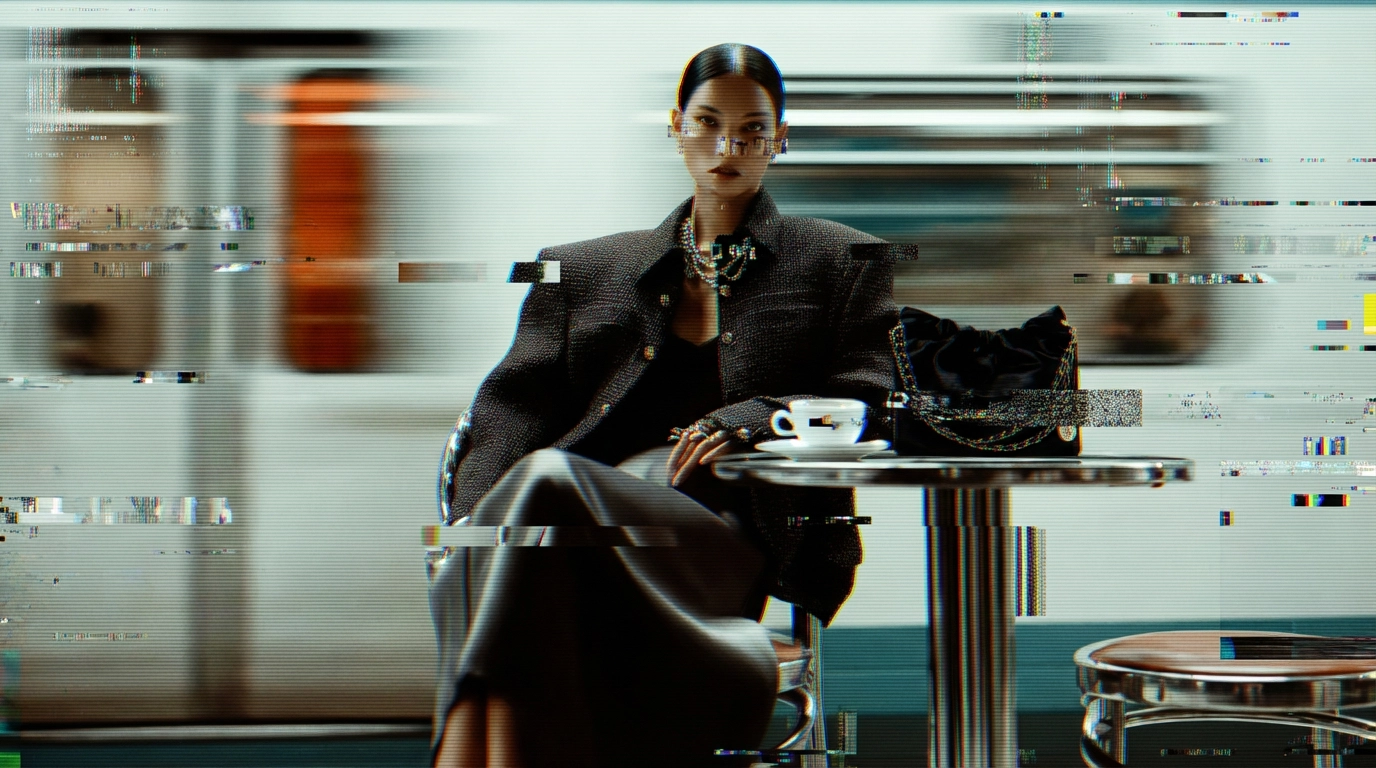
Bedtime story books, children's picture books, fairy-tale adaptations — these don't want photorealistic textures; they want warm, imaginative, clearly composed illustration. Seedream feels native to this 'storified art' more than realism models — proportions stay natural, light reads soft, color saturation fits print or screen reading.
Characters and costumes inside Chinese cultural scenes
Hanfu, Tang dynasty wear, Peking opera makeup, solar-term scenes — Western models often render 'hanfu' as kimono and 'mid-autumn' as Halloween. Seedream was trained by a Chinese lab and gets the cultural semantics right: costume cuts, architectural detail and festive elements all land correctly.
Key frames / concept art for story videos
When you're producing a full story with Story Into Video, you often want an image model first to nail what the story looks like — protagonist design, the mood of the key scene. Seedream's output can drop straight in as a first-frame reference for the subsequent Kling 3 or Seedance 2 video shot, closing the full story pipeline.
How it works
Three steps from idea to shareable clip — no editor, no plugins.
01 · Write
Write one prompt
Describe the shot in plain language. Include subject, action, lighting and camera move. The longer the better — modern models reward detail.
02 · Pick
Pick mode + duration
Switch between Text, Image-to-Video, or First / Last frame. Pick the resolution and length you want — the price updates live as you choose.
03 · Generate
Generate, download, iterate
Hit Generate and your clip lands in the library within minutes. Save it, remix the prompt, or chain it into a full multi-shot story in the Story Into Video workflow.
Use the Seedream image generator inside Story Into Video
On this tool page each click produces one Seedream image — good for an illustration, concept piece or single story frame. But the real value of Story Into Video is chaining images and video together into a complete story: an image locks the protagonist, then video animates them, all wrapped with AI narration and subtitles.
Inside the full workflow, Seedream remains an image engine option, but you also get: cross-shot character locking (Seedream's face and costume persist through the next Kling 3 or Seedance 2 shot), prompts auto-generated from your script, and the final multi-shot mix into one export file. Use this page to test a single prompt; switch to the workflow when you're ready to ship a 1–3 minute story.
Seedream specs at a glance
- Billing
- Per image — rate varies by variant and quality tier, see the generate button
- Quality
- High / Standard (varies by variant)
- Aspect ratio
- 16:9 · 9:16 · 1:1 · 3:4 · 4:3
- Reference inputs
- Image-to-image (subject / style / composition reference)
Pricing follows Story Into Video credits — the live cost is shown on the generate button.
Built for
Story creators who ship — not just dabble.
Short-form video creators
TikTok, Reels, YouTube Shorts. Turn a daily script into a stack of cinematic 5–15s clips without a camera crew.
Marketers & brand teams
Brand-safe product shots and product-in-scene b-roll for ads, landing pages and email — locked styles across the campaign.
Writers, educators, agencies
Storyboard a script before committing to live action, or build full narrated stories with characters, voice-over and subtitles inside Story Into Video.