Nano Banana Story Image Generator
Google's Gemini 3 image family — photoreal scenes, precise text-in-image and natural-language editing. Pro and Nano Banana 2 available.
Sign in to generate — your prompt will be saved.
Photoreal ceiling
Skin, fabric, ambient light — holds up under 1:1 zoom. Editorial-grade out of the box.
Text-in-image
Renders English text on buttons, signs and product labels legibly — rare among image models.
Natural-language edit
Re-prompt to change a region, swap an object, fix a hand — without re-rolling the whole image.
Two-tier pricing
Pro for hero shots, Nano Banana 2 for iteration — same prompt syntax across both.
What is Nano Banana?
Nano Banana is Google DeepMind's image model — built on the Gemini 3 generation and quietly nicknamed 'nano-banana' inside Google before the codename leaked and the team decided to keep it. The model's two signature strengths are photorealism that holds up at 1:1 zoom and natural-language image editing — point at any region of the picture in plain English and ask Nano Banana to change the lighting, swap a product, fix a hand, redraw the text, and it will. Compared with previous Imagen iterations, prompt following is sharper and world knowledge is wider, since the underlying Gemini 3 backbone is shared with Google's text reasoning stack.
Story Into Video exposes two Nano Banana variants. Nano Banana Pro is the flagship — best ceiling on photorealism, finest text rendering inside the image, sharpest control over multi-element compositions. Nano Banana 2 (Flash) is the lighter sibling — closes most of the quality gap at a much lower per-image rate, and is the right pick for iteration, layout exploration and bulk generation. Prompt syntax is identical between the two, so you can switch on price priority alone.
This Nano Banana image generator is also one of the engines inside the full Story Into Video workflow — pick Nano Banana as your engine, write a script, and the workflow chains multiple Nano Banana shots together with locked characters, AI narration and subtitles. Pricing is read live from the platform so the Nano Banana cost on the generate button always matches what you actually pay.
What people use Nano Banana for
Three flows where the Nano Banana family punches above its rate card.
Photoreal editorial portraits + scenes
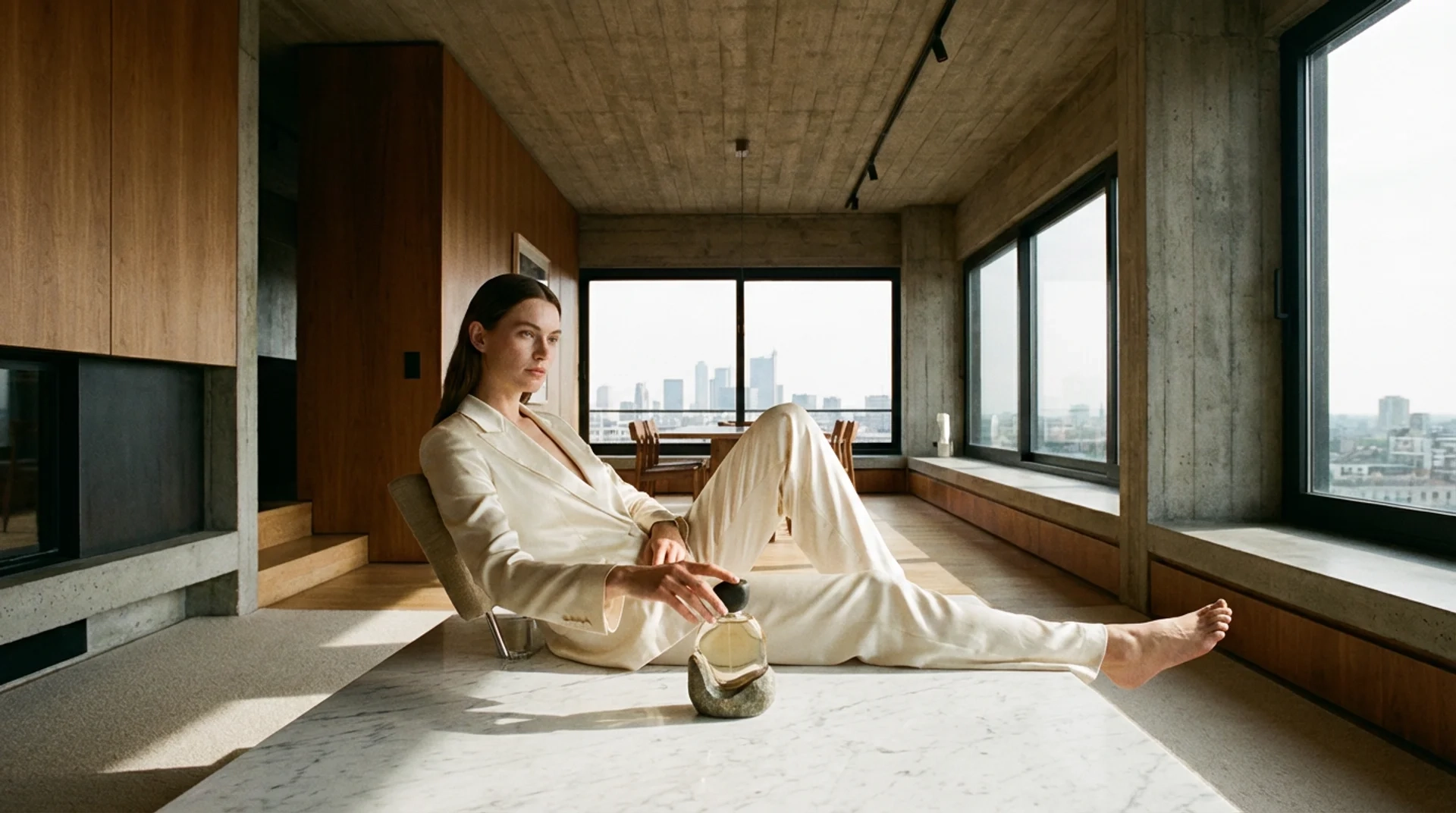
Magazine-style portraits, environmental wides, mood-driven interiors — Nano Banana renders skin, fabric, soft shadows and mid-morning light in a way that holds up under zoom. Where older image models smooth out micro-detail, Nano Banana keeps the grain, the pore-level texture and the directional light. Great for blog hero images, podcast thumbnails and 'real-feeling' editorial shots.
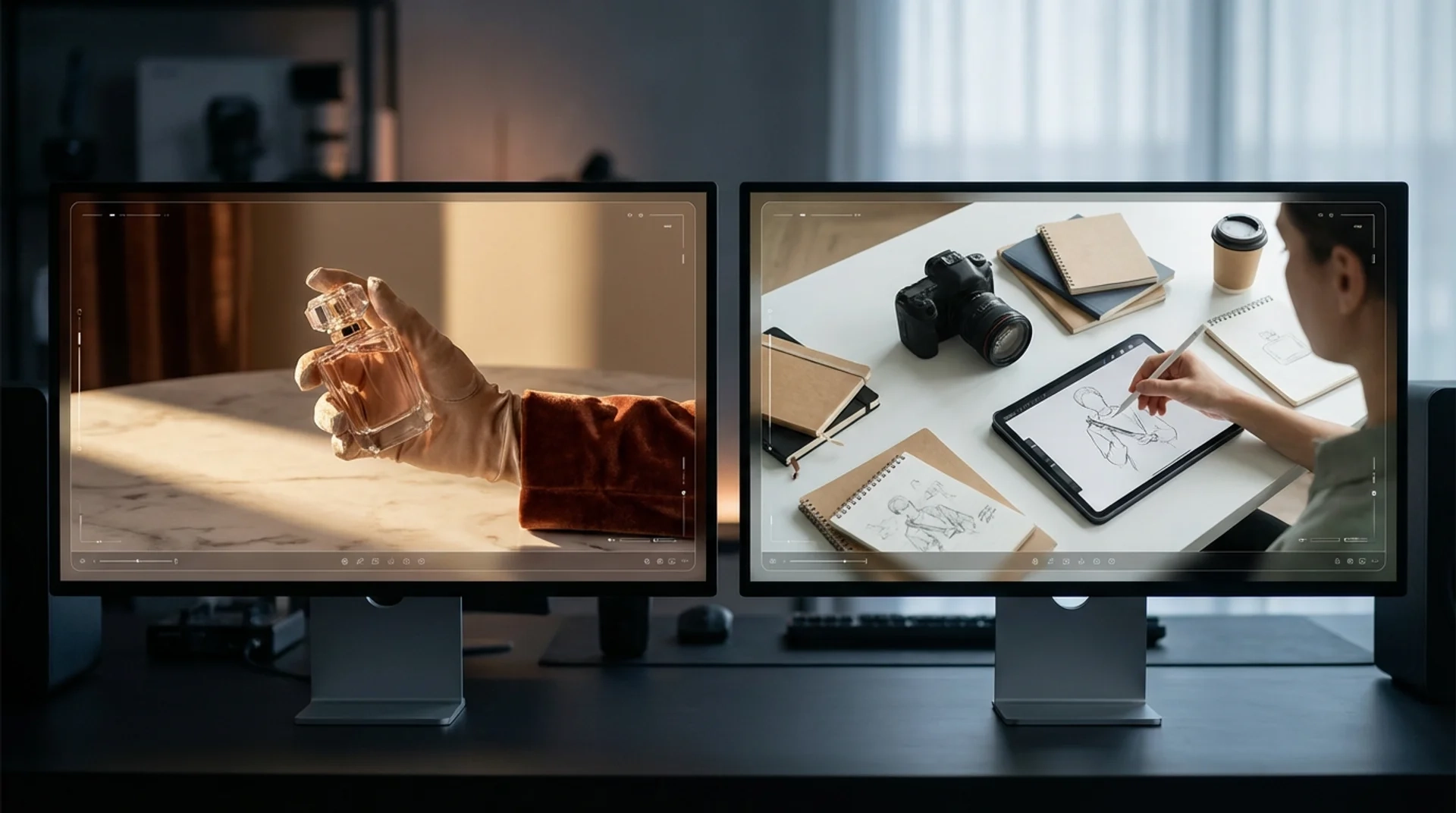
Product photography + multi-element composition
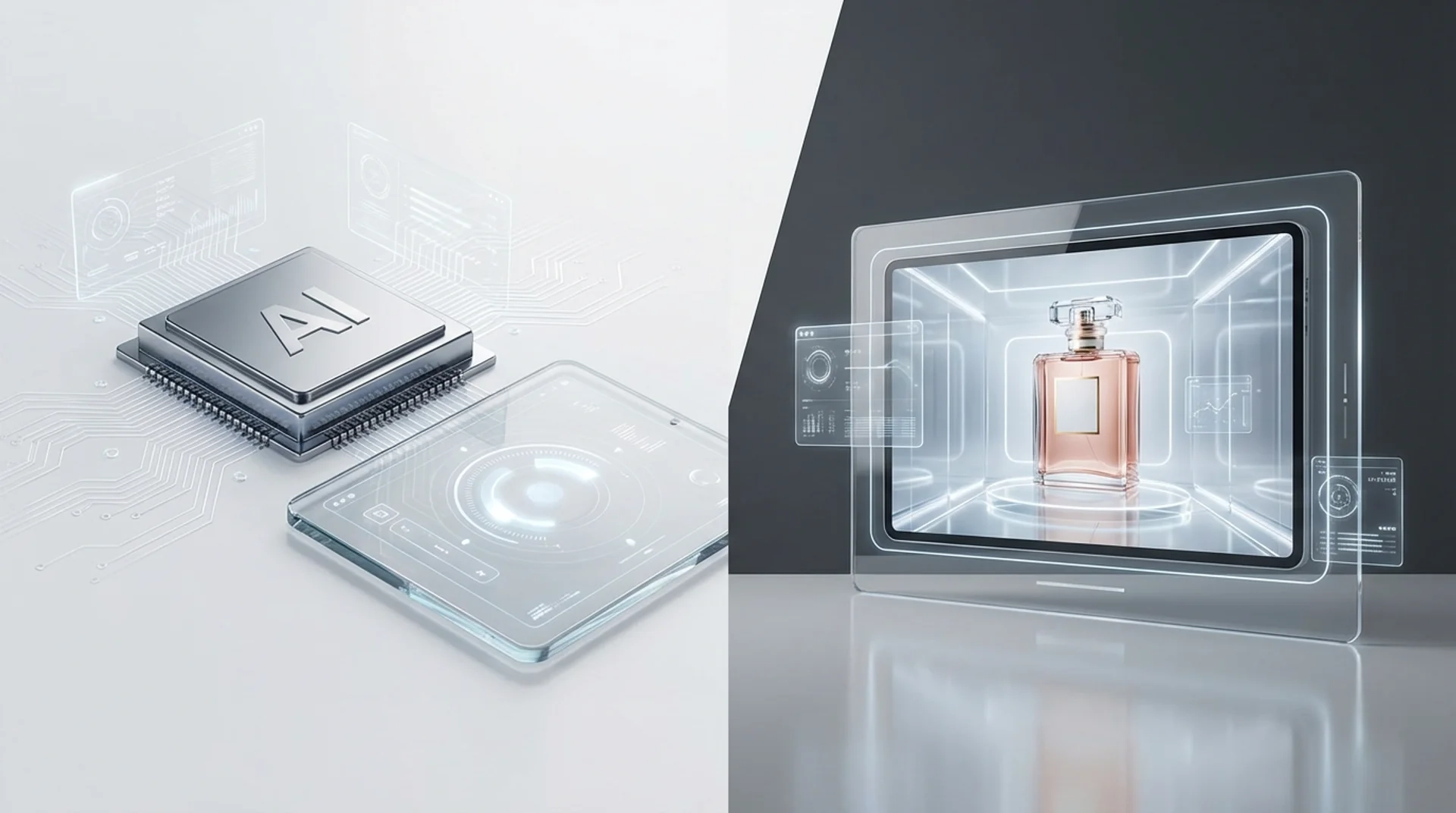
Where most image models drift on multi-subject prompts ('chip plus perfume in one frame'), Nano Banana keeps both objects intact, in their correct proportions, with their own lighting. Ad agencies use Nano Banana to mock product-in-scene before booking a real shoot — a watch on a marble countertop, a fragrance bottle inside a glass display, a chip beside a hand. Prompt the brand details and the model holds them.
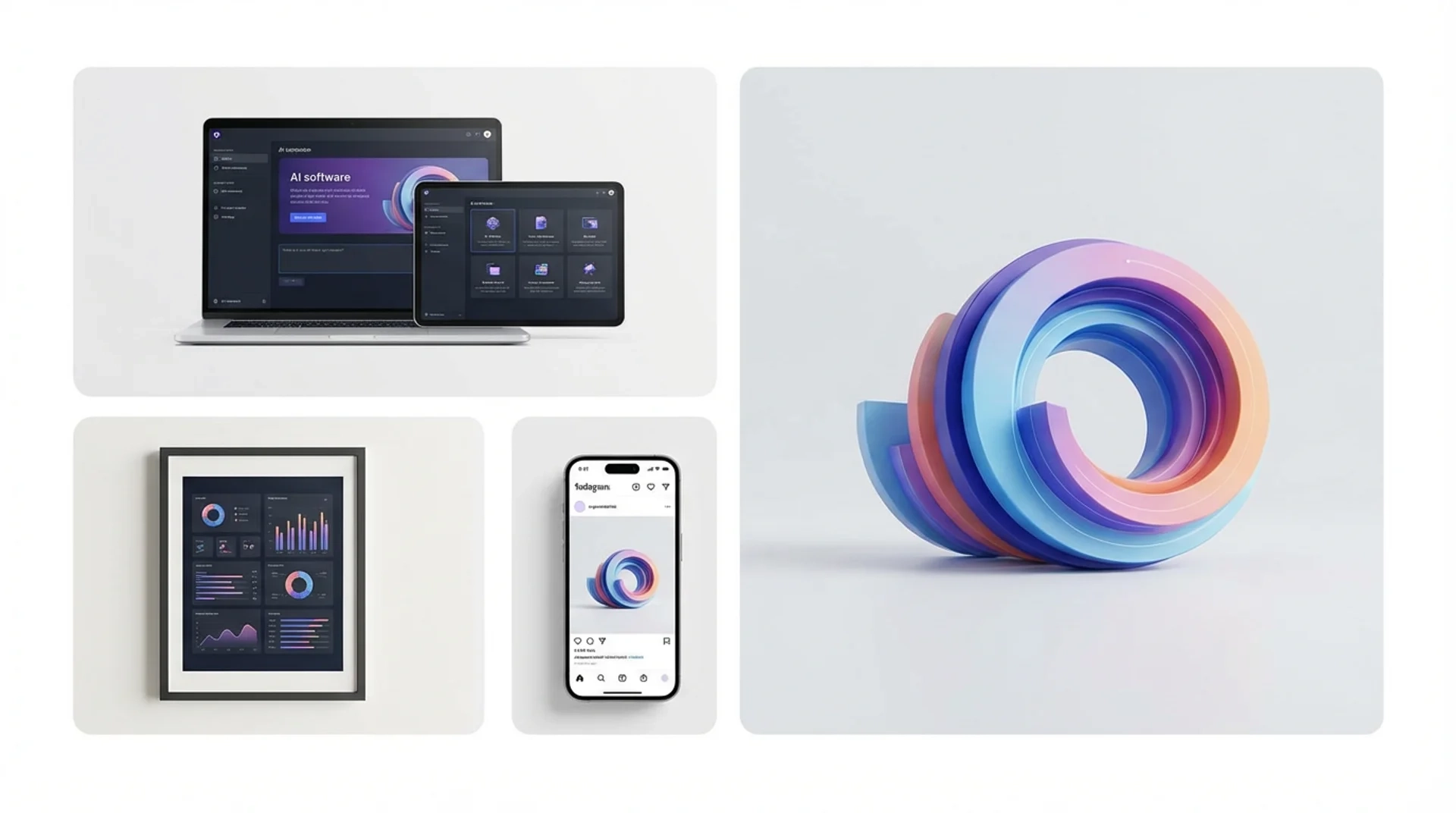
Multi-format mockups + text-in-image
Nano Banana is one of the few image models that renders English text inside the image correctly — buttons, product names, dashboard mockups all come back legible. Combined with multi-format composition (laptop + tablet + phone in one shot, or a printed poster beside a 3D shape), it's the strongest pick for product team assets, marketing slides and landing-page mockups that need text the viewer can actually read.
How it works
Three steps from idea to shareable clip — no editor, no plugins.
01 · Write
Write one prompt
Describe the shot in plain language. Include subject, action, lighting and camera move. The longer the better — modern models reward detail.
02 · Pick
Pick mode + duration
Switch between Text, Image-to-Video, or First / Last frame. Pick the resolution and length you want — the price updates live as you choose.
03 · Generate
Generate, download, iterate
Hit Generate and your clip lands in the library within minutes. Save it, remix the prompt, or chain it into a full multi-shot story in the Story Into Video workflow.
Use the Nano Banana image generator inside Story Into Video
On this tool page each click produces one Nano Banana image — perfect for a hero shot, a product still or a single story frame. The full power of Story Into Video shows up when you start chaining Nano Banana images with video and audio into a complete narrative: an image locks the protagonist's face, then a Kling 3 or Seedance 2 shot animates them, all stitched with AI narration and subtitles into one export.
Inside the full workflow, Nano Banana remains an image engine option, but you also get: cross-shot character locking (the Nano Banana protagonist persists through the next video shot), prompts auto-generated from your script, and the final multi-shot mix into one ready-to-share file. Use this page to test a single prompt; switch to the workflow when you're ready to ship a 1–3 minute story.
Nano Banana specs at a glance
- Billing
- Per image — Pro and Nano Banana 2 priced separately, see the generate button
- Quality
- Pro flagship · Nano Banana 2 Flash
- Aspect ratio
- 16:9 · 9:16 · 1:1 · 3:4 · 4:3
- Reference inputs
- Image-to-image + natural-language region editing
Pricing follows Story Into Video credits — the live cost is shown on the generate button.
Built for
Story creators who ship — not just dabble.
Short-form video creators
TikTok, Reels, YouTube Shorts. Turn a daily script into a stack of cinematic 5–15s clips without a camera crew.
Marketers & brand teams
Brand-safe product shots and product-in-scene b-roll for ads, landing pages and email — locked styles across the campaign.
Writers, educators, agencies
Storyboard a script before committing to live action, or build full narrated stories with characters, voice-over and subtitles inside Story Into Video.