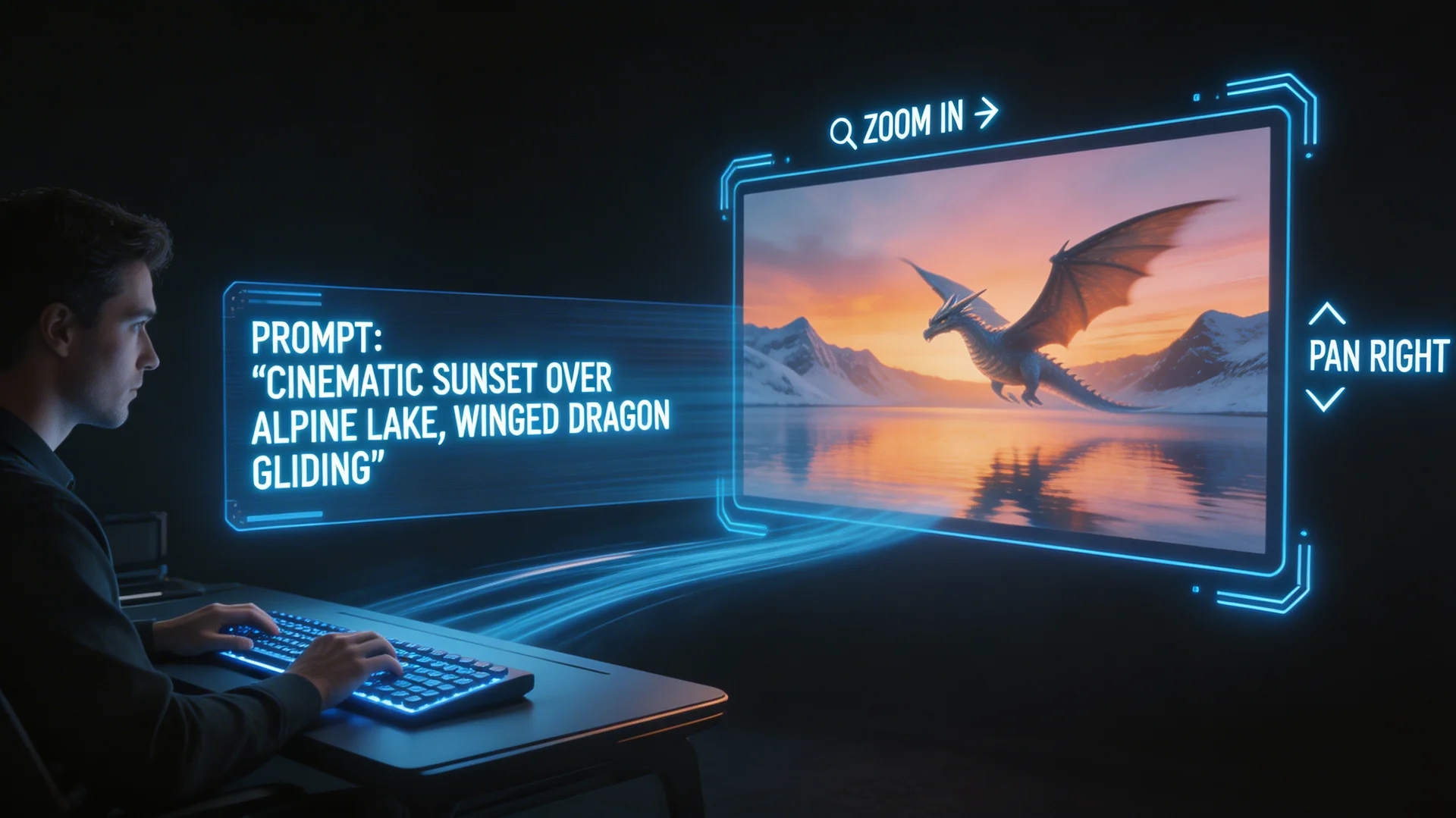
Hailuo 2.3 Story Video Generator
MiniMax Hailuo 2.3: one prompt, 6 or 10 seconds, cinematic feel with stable physics, native 1080p.
Sign in to generate — your prompt will be saved.
Strong physics
Body motion, water, fabric and smoke behave more believably than peers at this price.
Native 1080p
Direct 1080p output — no upscaling required for social or web.
Image to video
Animate from a still — useful for product reveals and style anchoring.
Two duration buckets
6s for fast cuts, 10s for a full narrative beat — pick by shot intent.
What is Hailuo 2.3?
Hailuo 2.3 is the third-generation Hailuo video model from MiniMax — the lineage that built a reputation for stable physics in motion, the kind that doesn't dissolve mid-shot when a character turns or water splashes. The third generation brings that strength to 1080p: a person standing up, water hitting a surface, fabric in the wind all come out cleaner than the previous version, and the subject is less likely to drift across a longer take. The model accepts text-to-video prompts and image-to-video prompts (anchoring on a still you supply).
Output is fixed to two duration buckets — 6 seconds or 10 seconds — at 768p or 1080p, with native aspect ratios for landscape, vertical and square. The 6-second bucket fits the fast-cut rhythm of TikTok and Reels; the 10-second bucket gives you a full narrative beat, like a character walking through a frame, a product rotating, or wind moving across a scene. Compared with the Hailuo 2.3 Fast variant, the full Hailuo 2.3 holds detail and motion stability better, so it's the choice for final-cut shots; Fast trades a bit of detail for a lower per-second rate, which makes it good for iteration.
This Hailuo 2.3 video generator is also one of the engines inside the full Story Into Video workflow — pick Hailuo 2.3 as your engine, write a script, and the workflow chains multiple Hailuo 2.3 shots together with locked characters, AI narration and subtitles. Pricing, duration limits and quality tiers are read live from the platform so the Hailuo 2.3 cost on the generate button always matches what you actually pay.
What people use Hailuo 2.3 for
Three flows where Hailuo's physics stability matters most.

Character motion shots — walking, turning, gestures
Hailuo's longstanding strength is body motion — a person walking through frame, turning around, leaning to pick something up. Joints and weight read naturally. These are the workhorse transition shots of any narrative, and the 10-second bucket is just long enough for a complete gait cycle. If other models have given you the 'character melted halfway through' problem, Hailuo 2.3 is the safer pick.
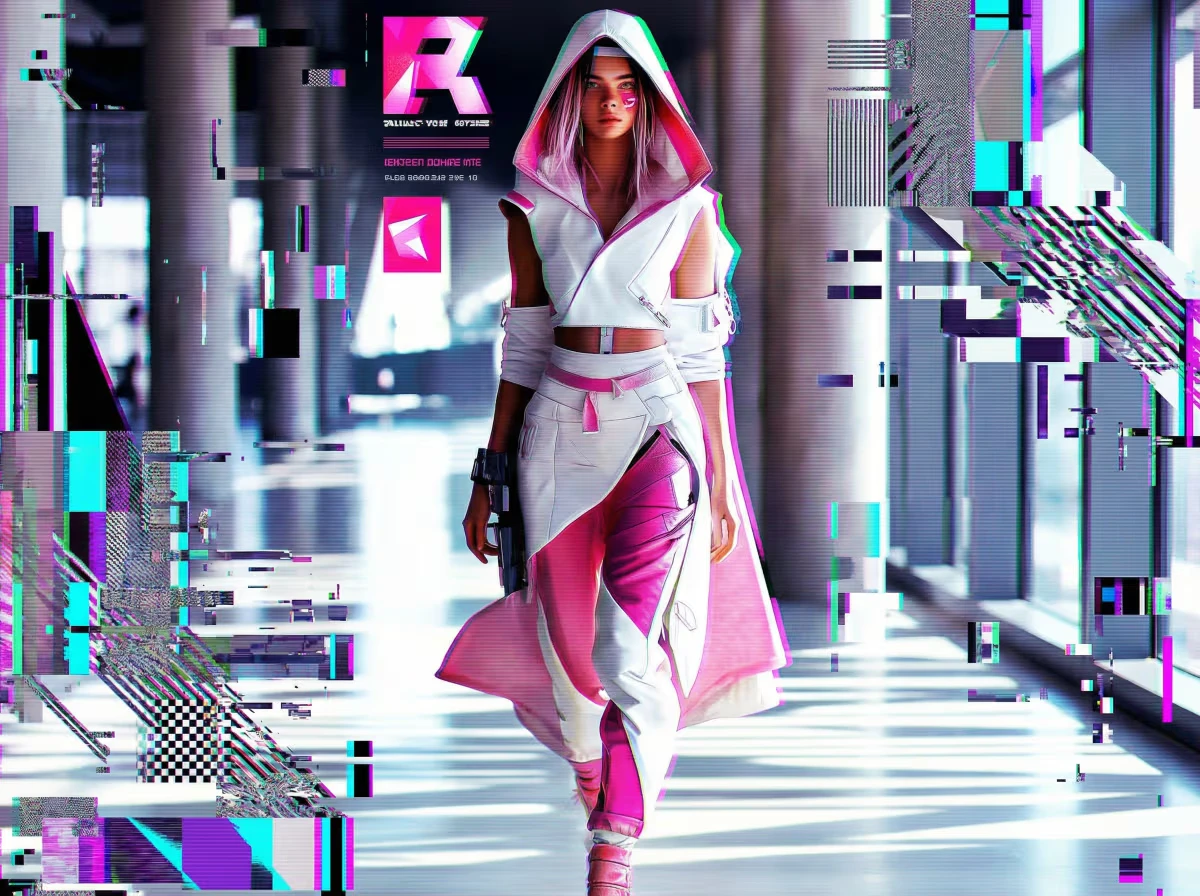
Environmental shots with water, wind, fabric
Waves hitting a shore, a curtain caught by wind, smoke rising from a chimney — these material-physics shots are Hailuo's training sweet spot. Give it a clear environment description and a direction, and the motion stays believable instead of devolving into abstract shapes the way many models do once fluids enter the frame.
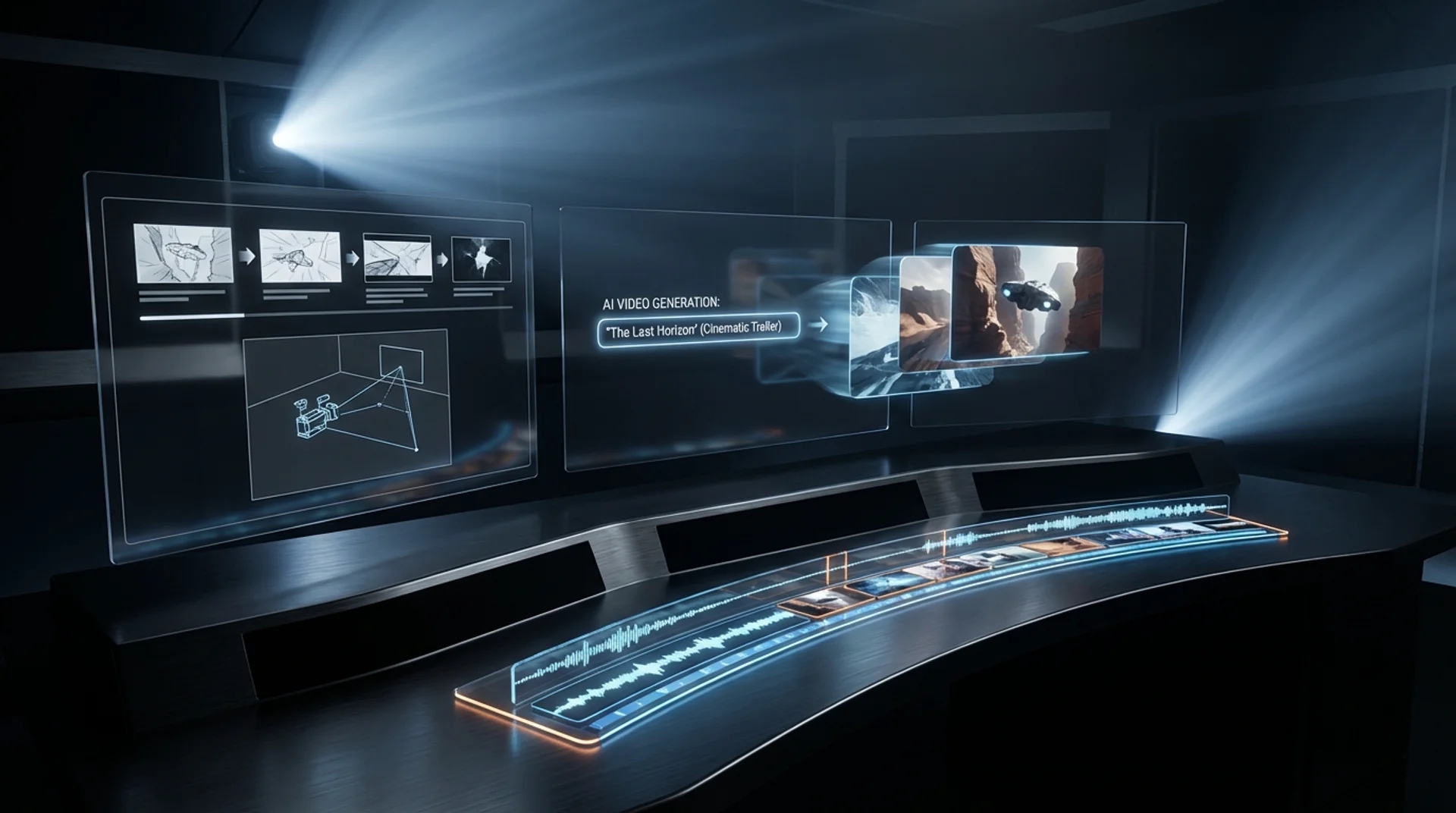
Realistic product-in-scene moments
For commerce, what you usually want isn't an After Effects logo reveal — it's the product being used in a real moment: a mug being filled with hot coffee, steam rising; a sneaker landing on a path, kicking up dust. At 10 seconds and native 1080p, the output drops straight into a landing-page hero or paid social asset.
How it works
Three steps from idea to shareable clip — no editor, no plugins.
01 · Write
Write one prompt
Describe the shot in plain language. Include subject, action, lighting and camera move. The longer the better — modern models reward detail.
02 · Pick
Pick mode + duration
Switch between Text, Image-to-Video, or First / Last frame. Pick the resolution and length you want — the price updates live as you choose.
03 · Generate
Generate, download, iterate
Hit Generate and your clip lands in the library within minutes. Save it, remix the prompt, or chain it into a full multi-shot story in the Story Into Video workflow.
Use the Hailuo 2.3 video generator inside Story Into Video
This tool page gives you one Hailuo 2.3 clip per click — 6 or 10 seconds. That's plenty if you only need a single shot. But the real point of Story Into Video is to chain several shots into a story with consistent characters, voice-over and subtitles.
Inside the full workflow, Hailuo 2.3 stays available as your video engine, but now: characters are locked across shots, prompts are auto-generated from your script, and AI narration and subtitles are mixed straight into the final export. Use this page to test a single prompt; switch to the workflow when you're ready to ship a 1–3 minute story.
Hailuo 2.3 specs at a glance
- Billing
- Per second — the 6s and 10s rates may differ; see the generate button
- Duration
- 6s · 10s
- Quality
- 768p · 1080p
- Aspect ratio
- 16:9 · 9:16 · 1:1
Pricing follows Story Into Video credits — the live cost is shown on the generate button.
Built for
Story creators who ship — not just dabble.
Short-form video creators
TikTok, Reels, YouTube Shorts. Turn a daily script into a stack of cinematic 5–15s clips without a camera crew.
Marketers & brand teams
Brand-safe product shots and product-in-scene b-roll for ads, landing pages and email — locked styles across the campaign.
Writers, educators, agencies
Storyboard a script before committing to live action, or build full narrated stories with characters, voice-over and subtitles inside Story Into Video.